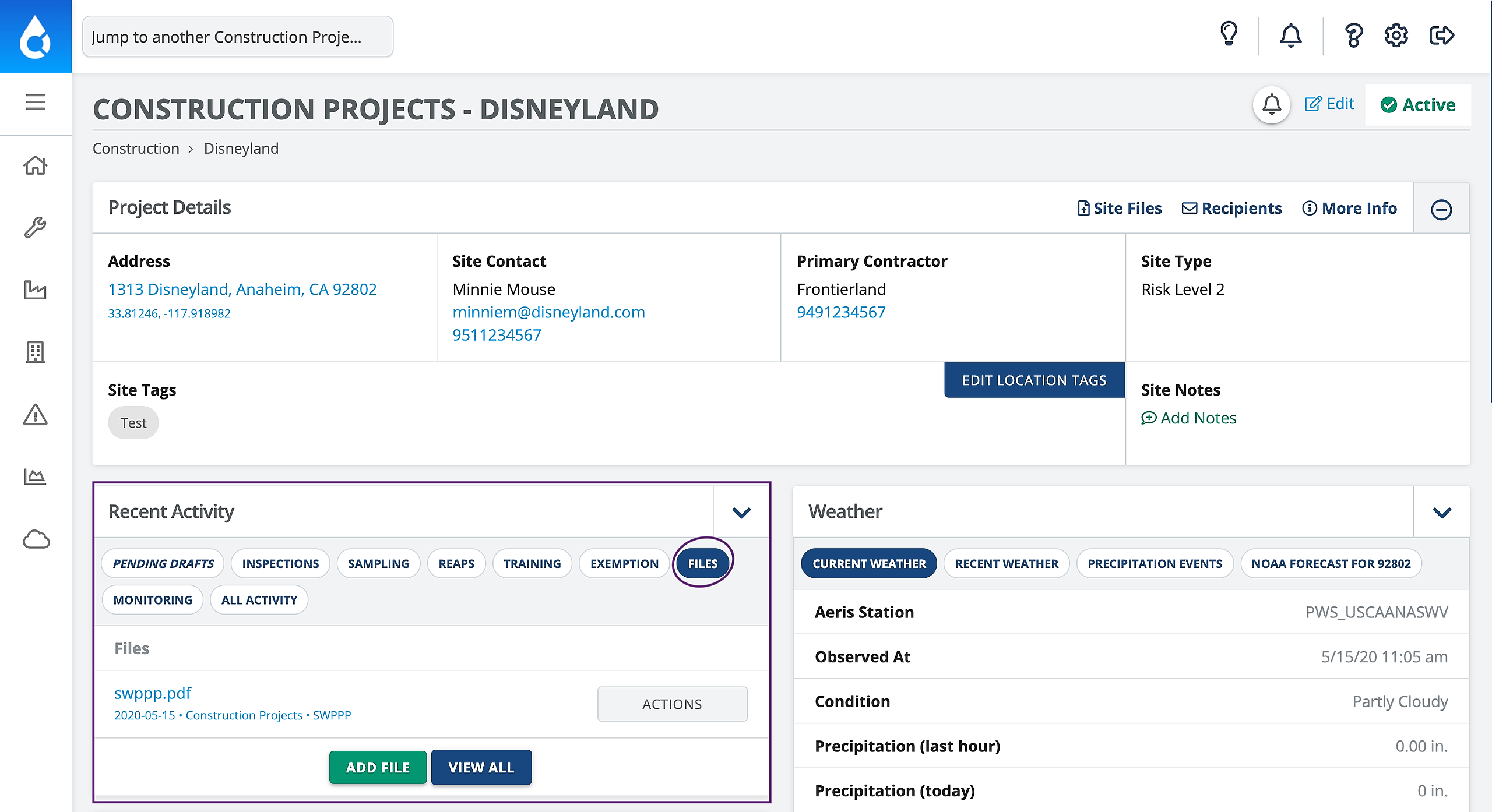
1. On the Project page you'll see the Recent Activity widget which contains a tab for Files
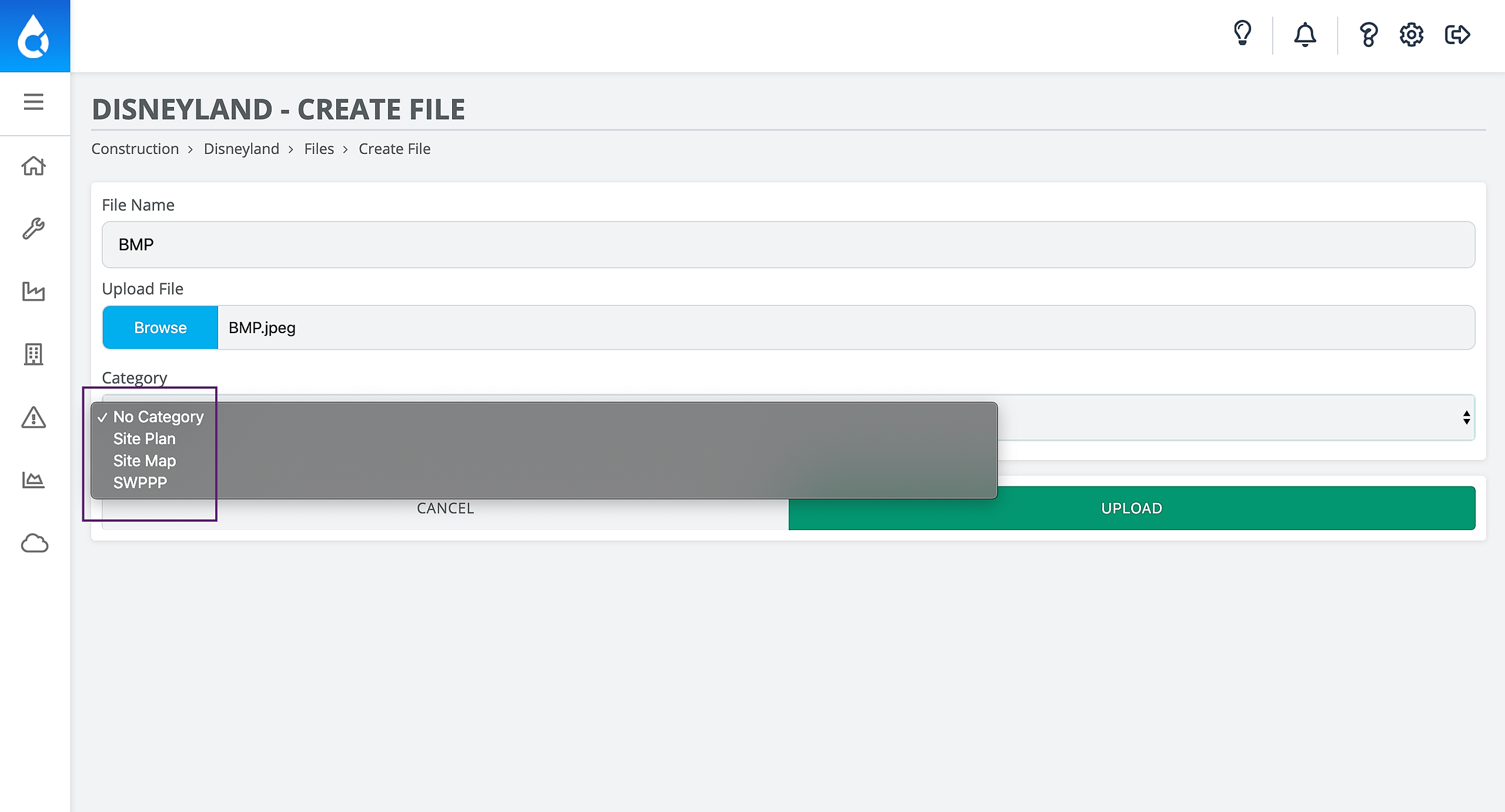
2. When you click to add a Category to your file, you may notice that there are only four Categories
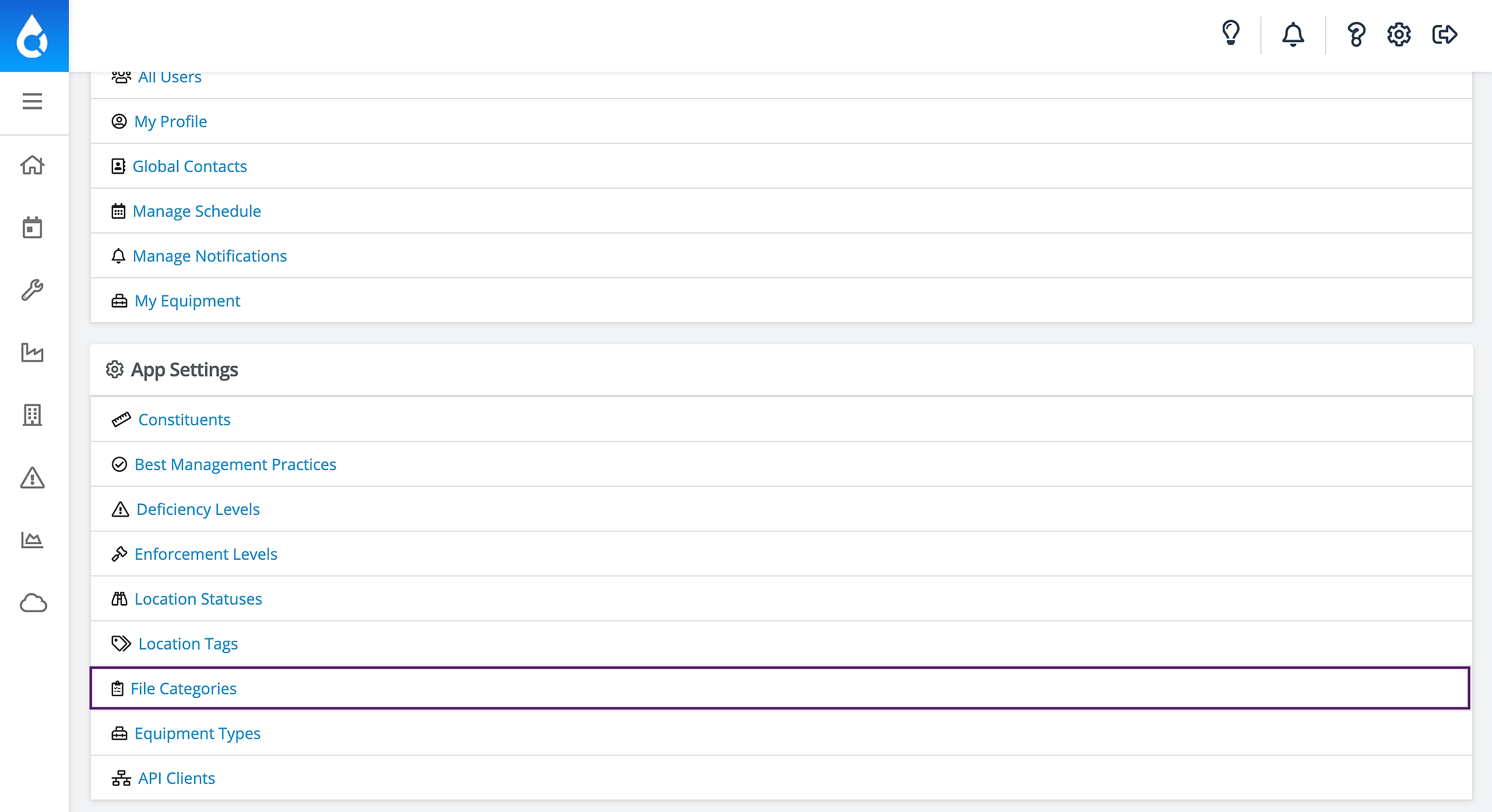
3. You can add more Categories by going to Settings in the top right corner, and scrolling down to click File Categories
4. Then click Add Site File Category
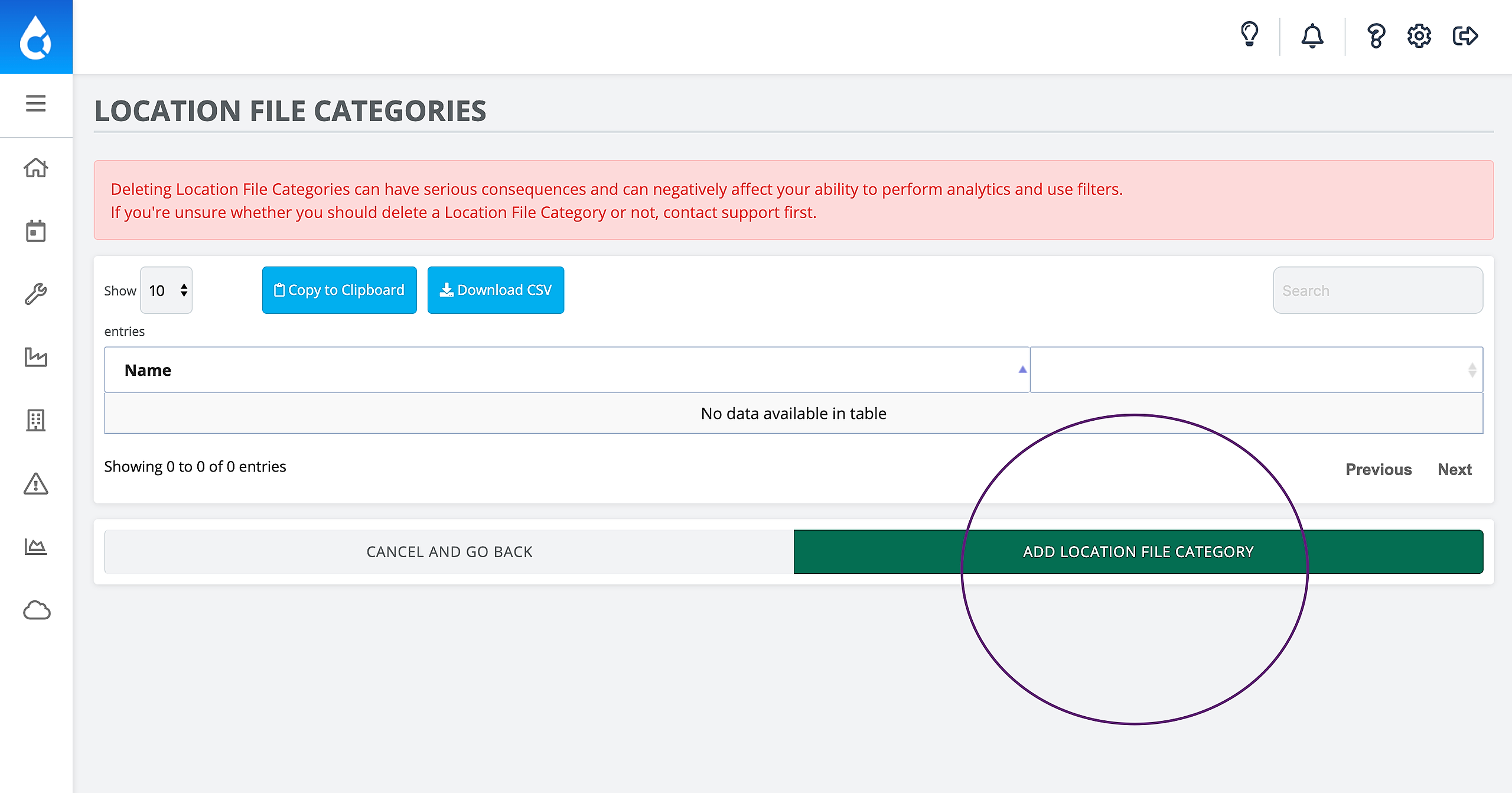
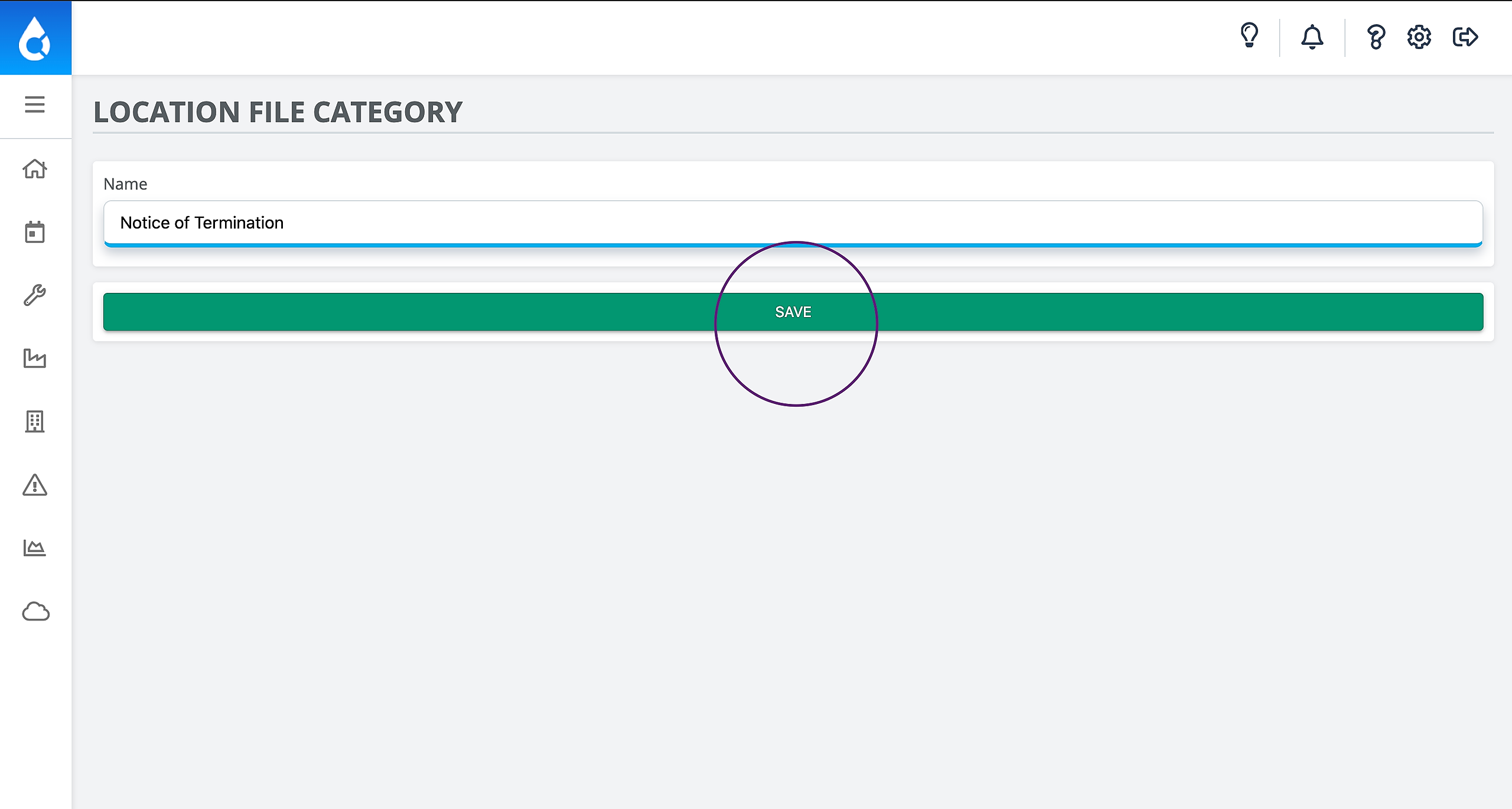
5. Enter any name for the Category that you'd like. We often see new Categories created for files like: Images, Monthly Inspection Report, NOI/NOT. Then click Save!