

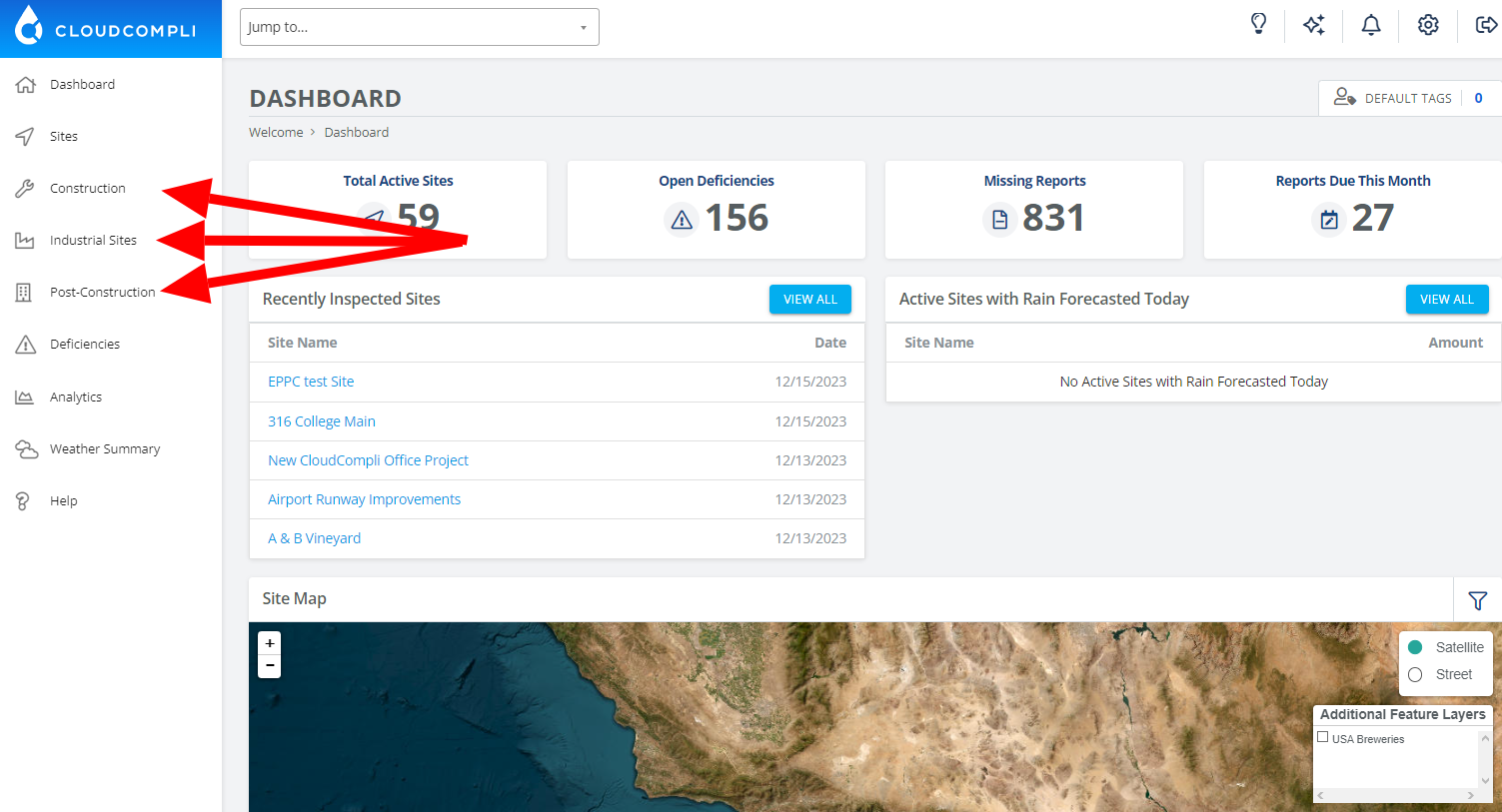
To get started, select from the site navigation menu the program for which you wish to create a new site.
A new site can be created under Construction, Industrial, Municipal Fixed Assets, Post-Construction, or another program available on your account.
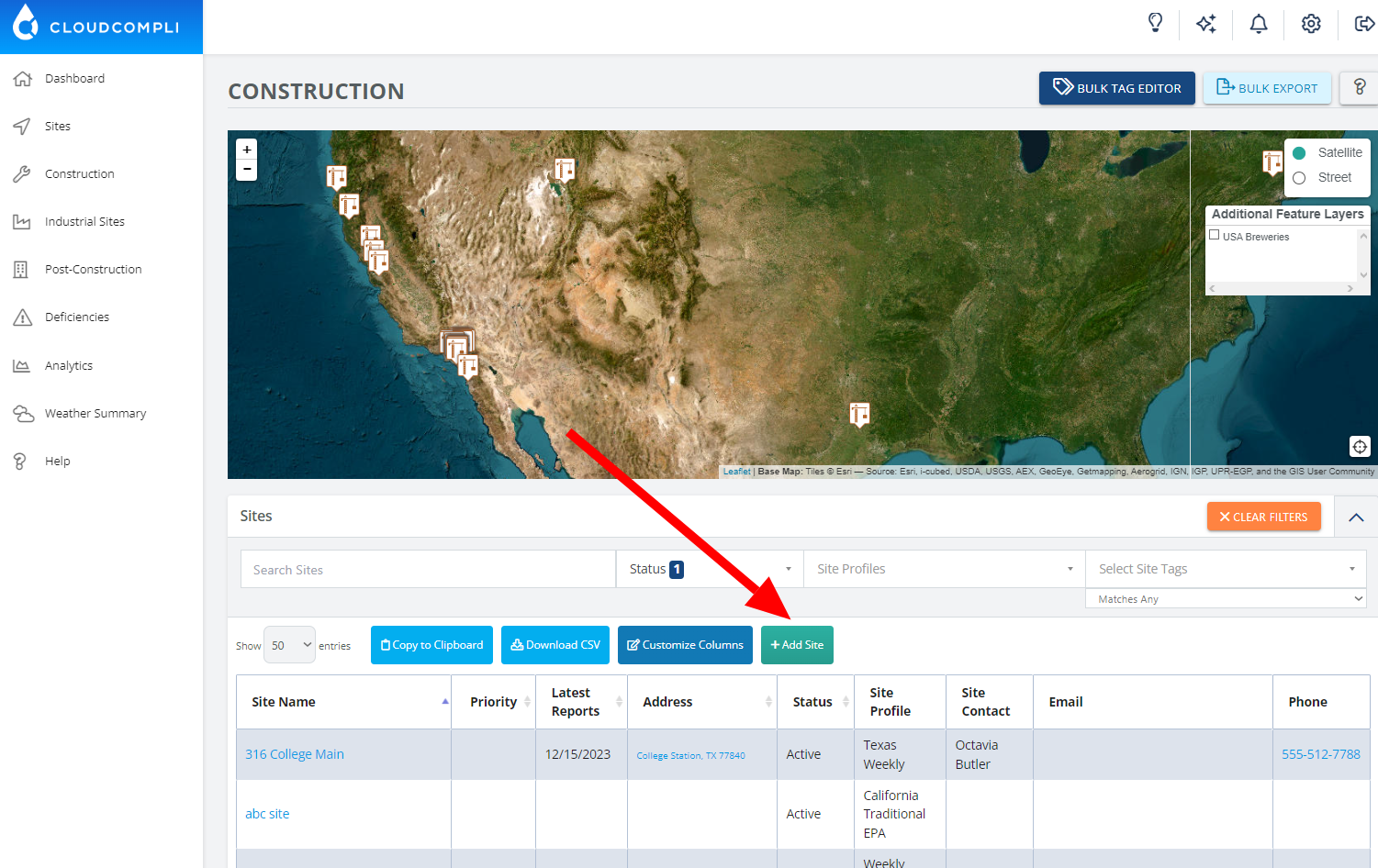
Once you're on the program site page, click on + Add Site at the top of the list.
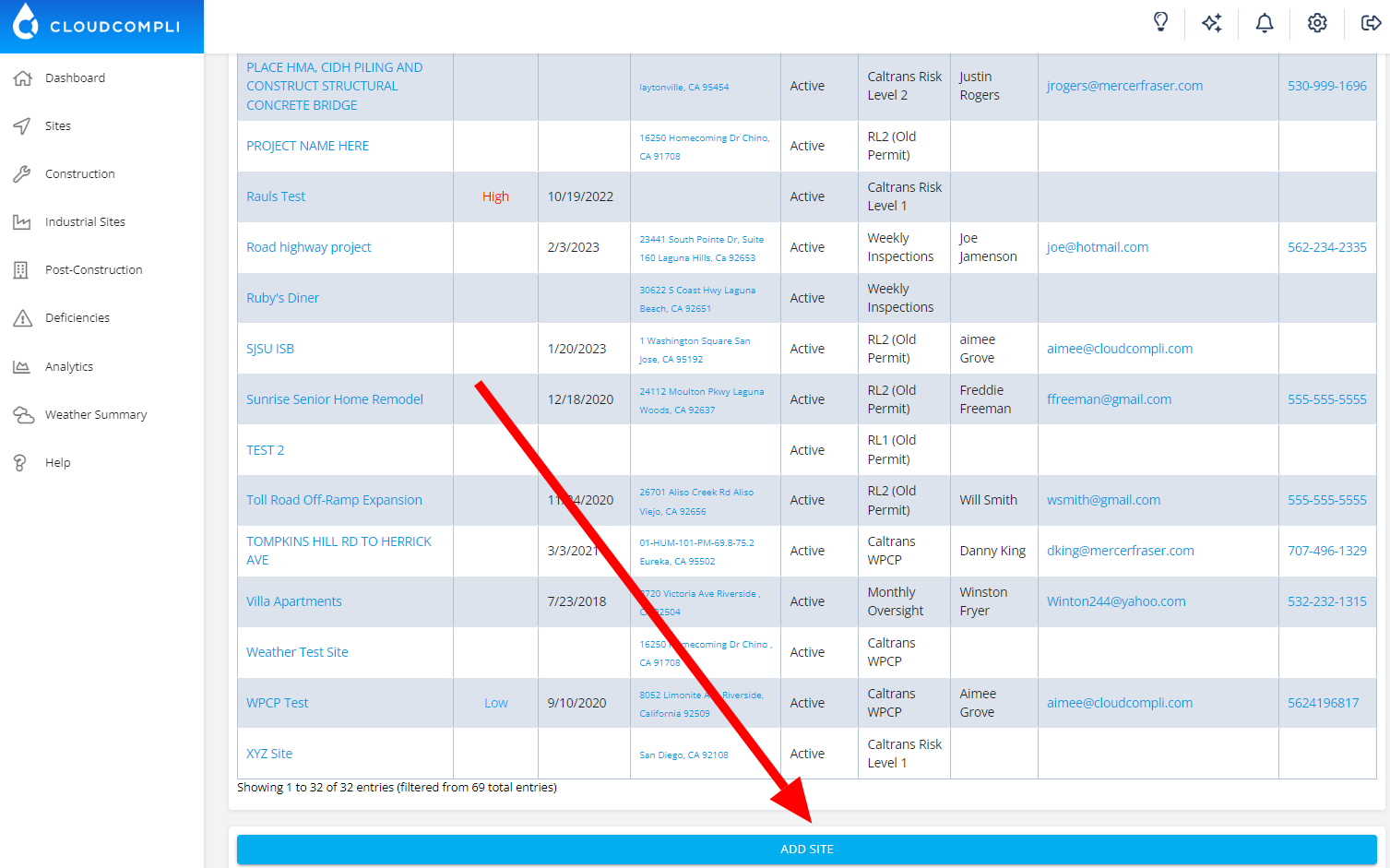
You can also scroll to the bottom of the page and click the button that says Add Site.
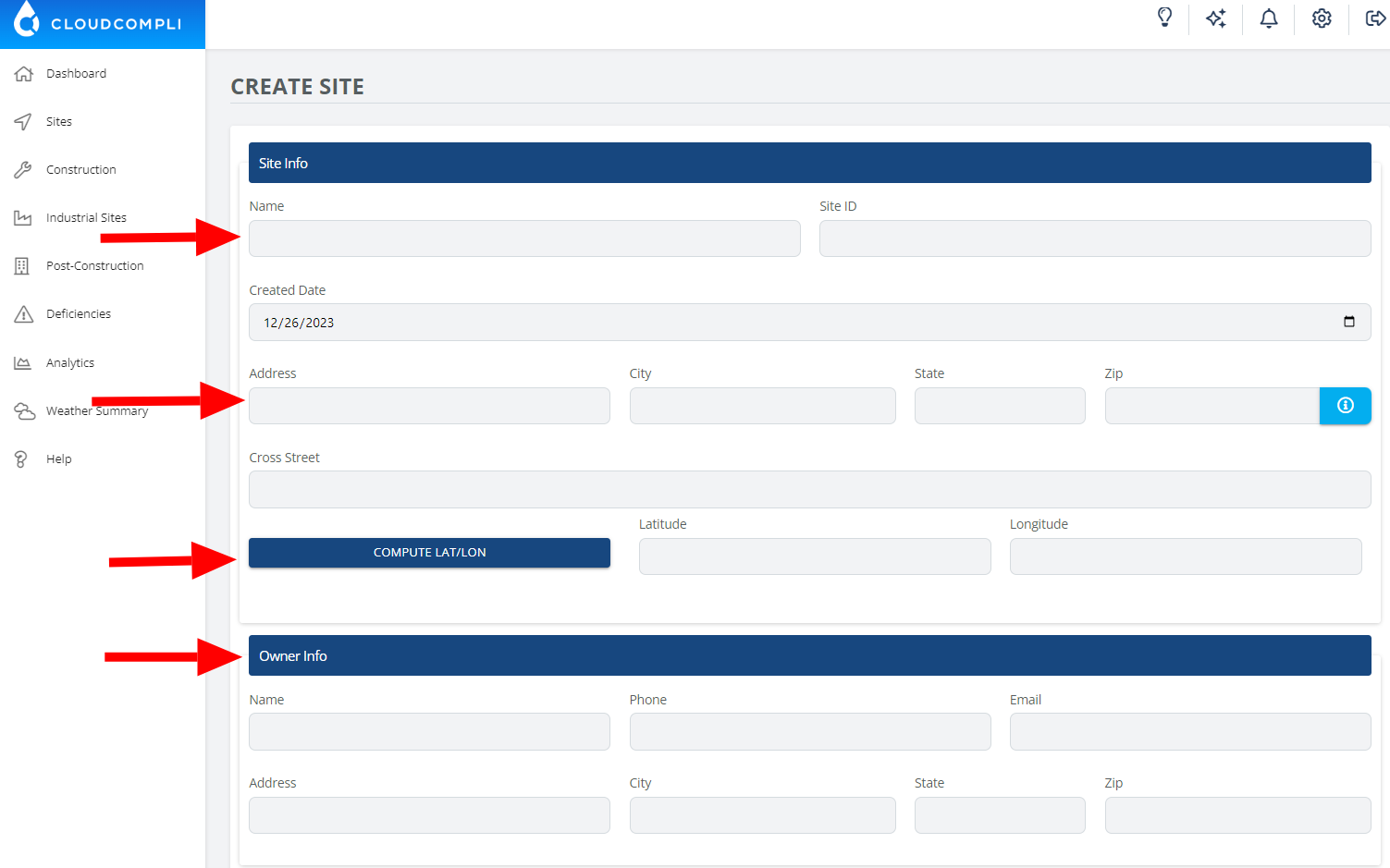
Proceed to fill out the Site Info (Name, Address, Latitude, Longitude, Owner Information, etc.).
Select the appropriate "Site Profile" or "Applicable Program" that best fits this site's reporting requirements. If you are not sure what this does, please contact your account administrator for more information.
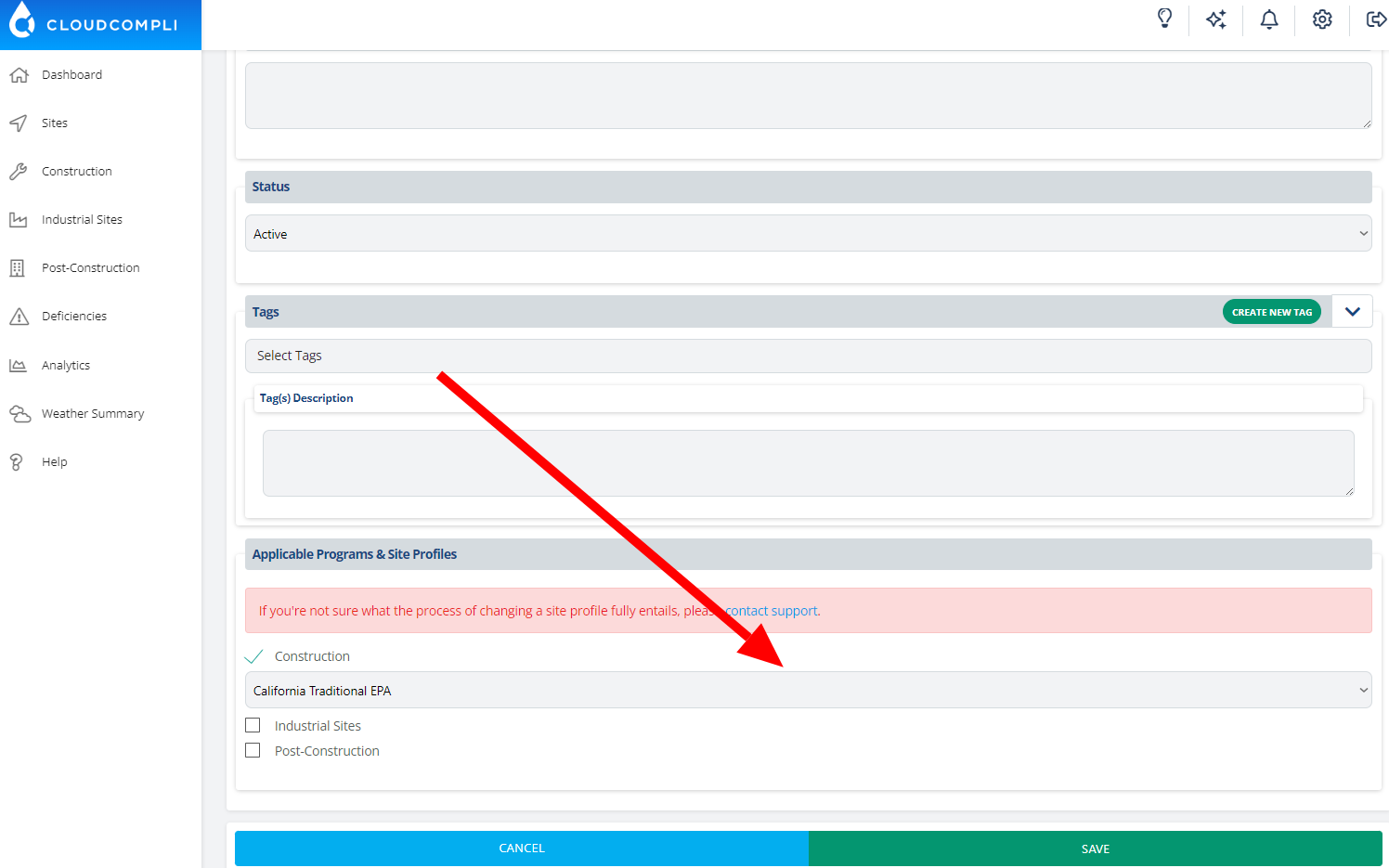
After entering the necessary details on this page, click "Save" below, and proceed to complete any additional pages. Any information added to these pages will automatically populate your reports wherever it's applicable.
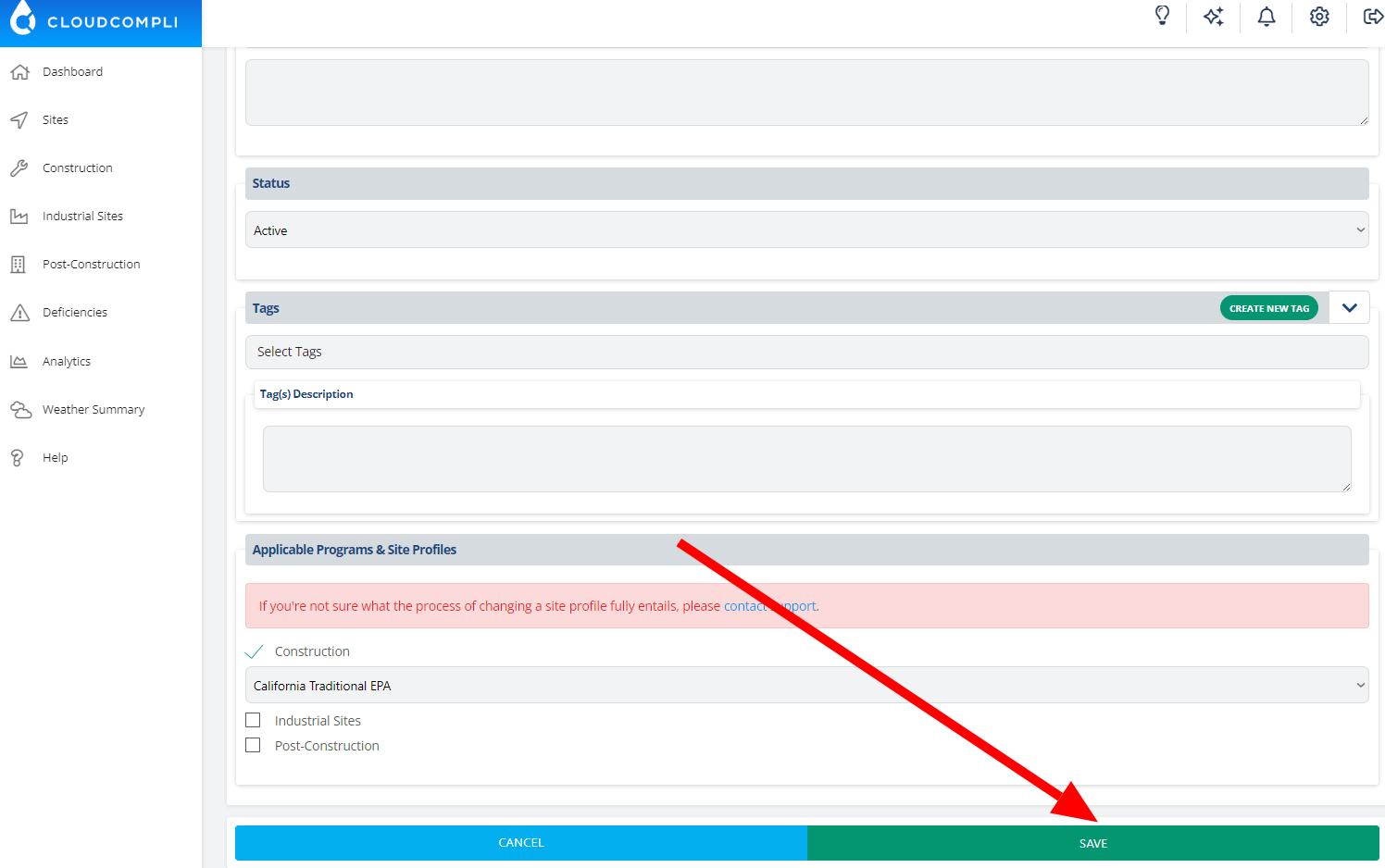
After you click on Save, you're ready to get started with your new site.
If you need additional assistance, please contact us at support@cloudcompli.com