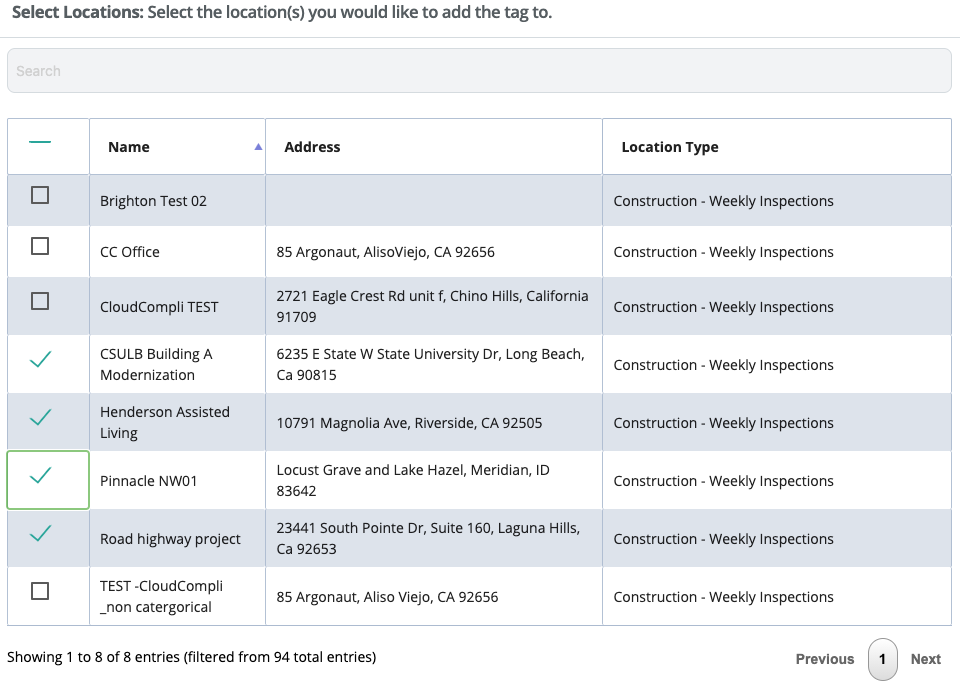
This feature allows you to quickly add tags to multiple sites. Simply select the tag(s) filter and select the sites you would like the tag(s) to be added or removed.
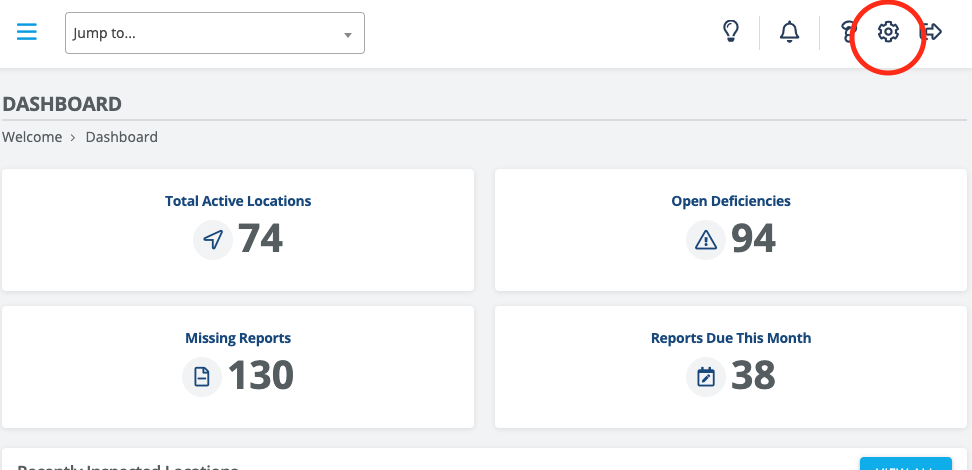
To locate the Bulk Tag Editor, go to System Settings (top right gear) > under App Settings > Bulk Tag Editor.
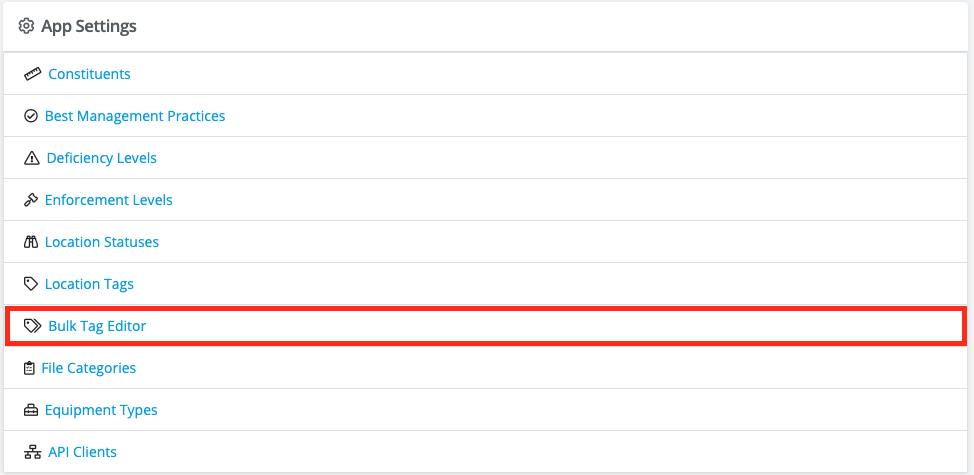
To Edit or Add new Tags go to the Site Tag settings page.
Bulk Tag Editor
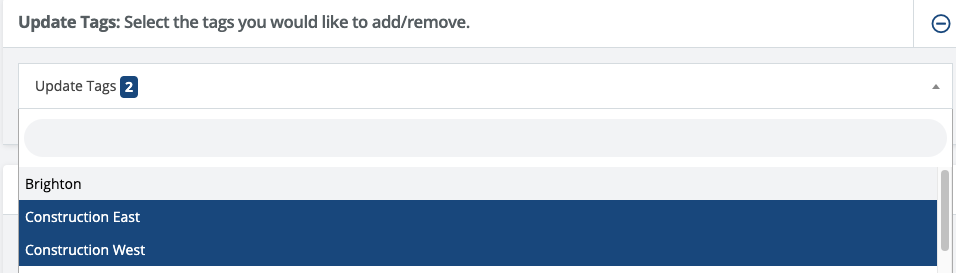
1. Select the tags to add or remove:
2. Filter through projects:
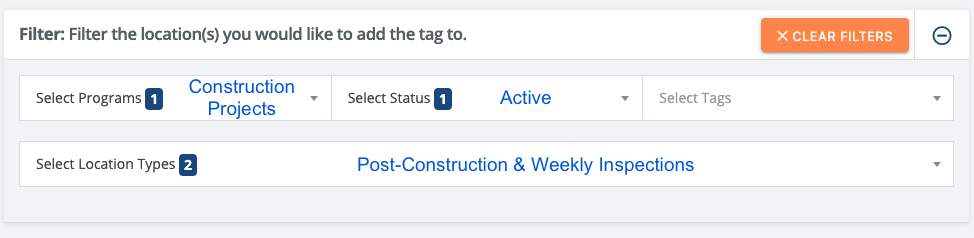
3. Select the sites to add/remove the tags: