

CloudCompli's mobile app makes it easy to access and manage all of your reports from any phone or tablet when you link to your account. View and manage programs, sites, deficiencies, reports, and files online or even offline.
If you already have the CloudCompli app installed on your device, simply sign in to your account using your username and password.
1. Download the CloudCompli app for iOS or Android devices.
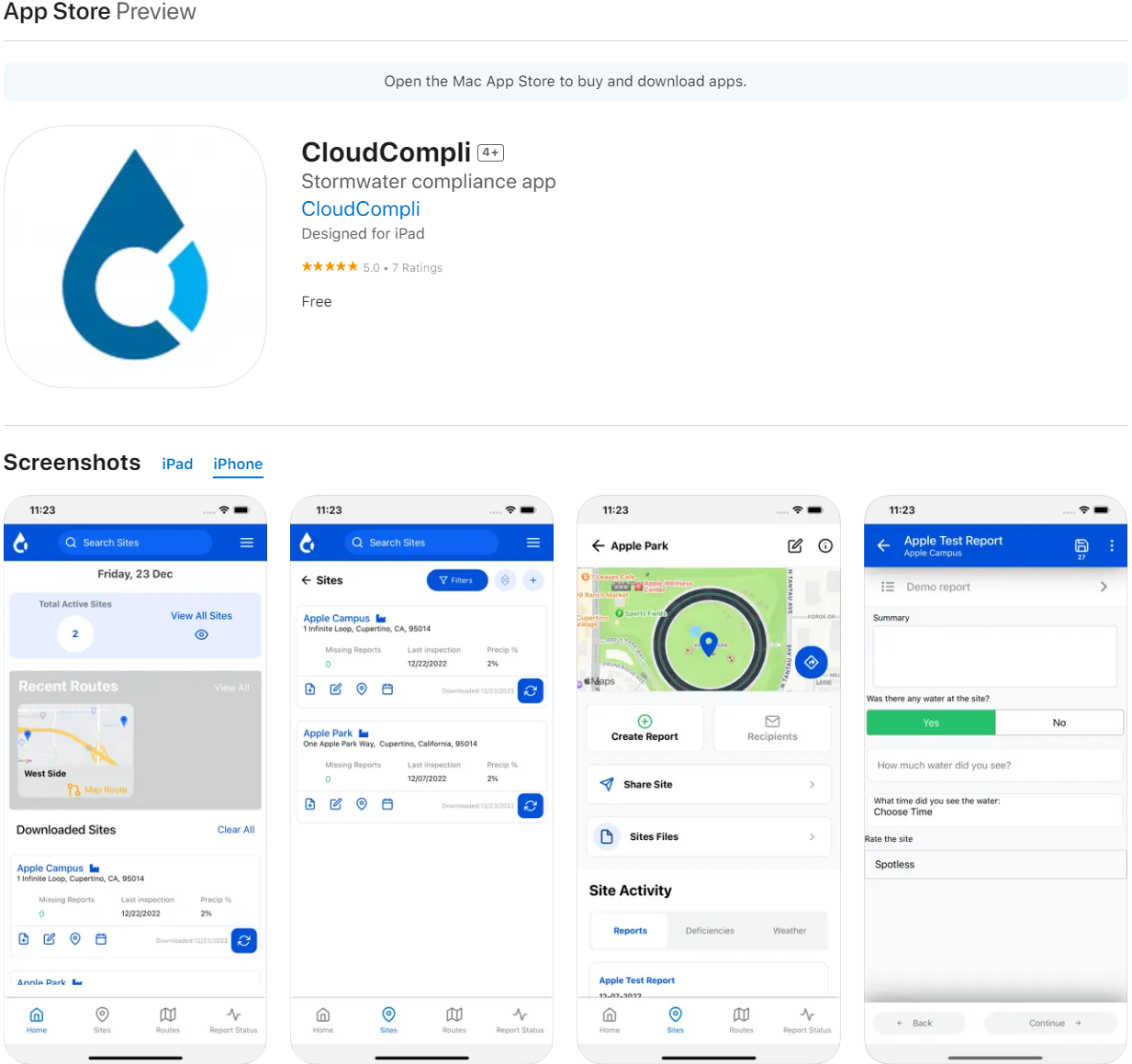
For iOS, you can download it at the Apple App Store using your iOS device.
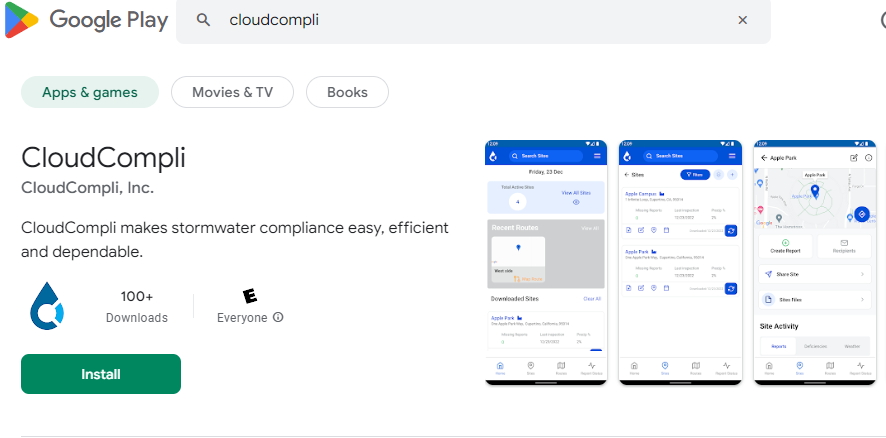
For Android devices, you can download it at the Google Play Store with your Android device.
2. Login
The login page will ask for your username and password credentials, after you have entered the information tap in login.
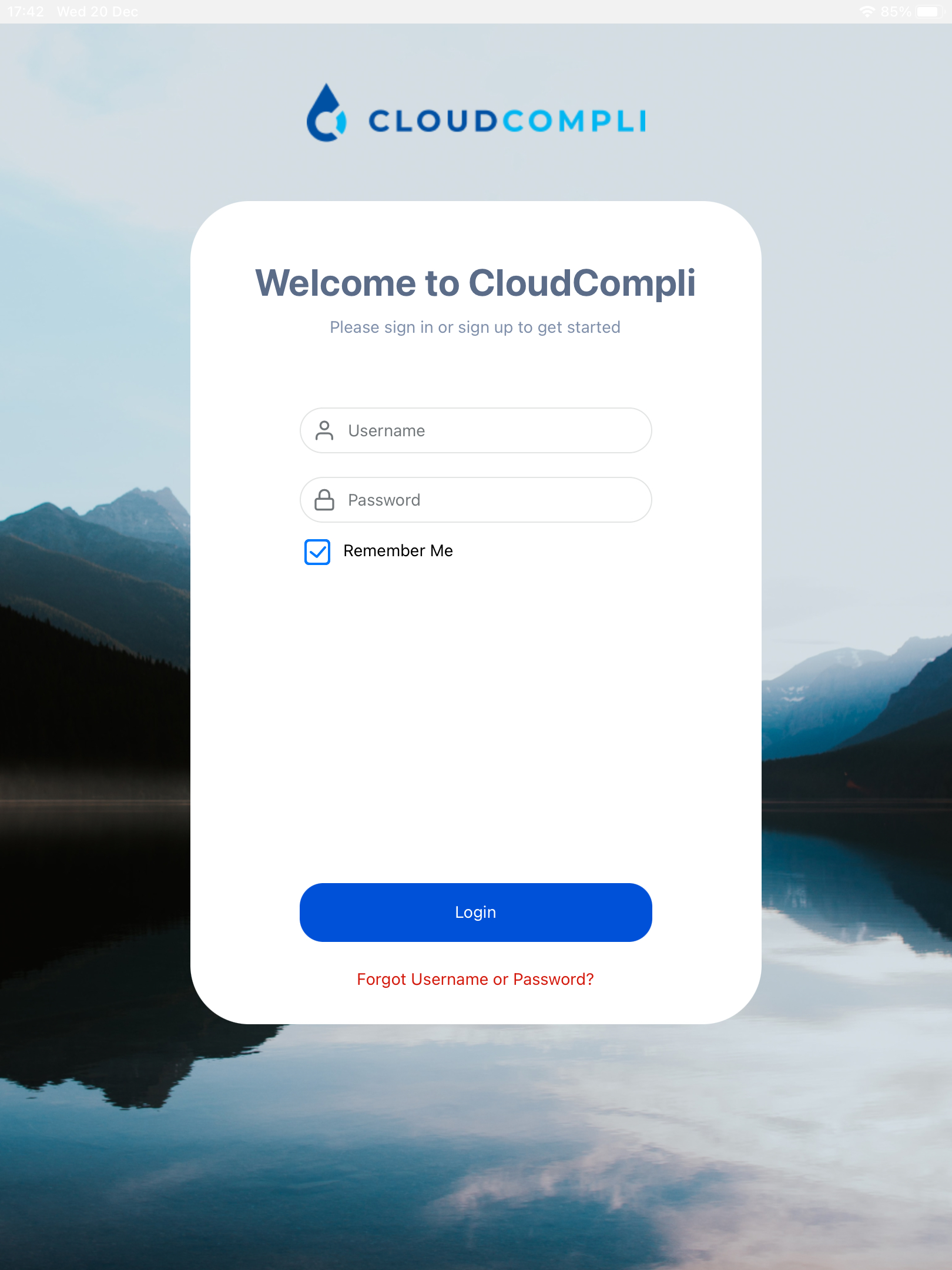
Tip: If you forgot your password, you can tap on the Forgot Username or Password button to get a new password. If you are unable to retrieve your password this way, please contact your site administrator or CloudCompli support at support@cloudcompli.com.
System requirements for iOS and Android Users
iOS devices: Requires iOS 10.0 or later. Compatible with iPhone, iPad, and iPod touch.
Android devices: Android version 4.4 and up.