

Within the project's or site's main page towards the top right corner of the screen, you will see a green Active label. In some cases, the status label may be called something different.
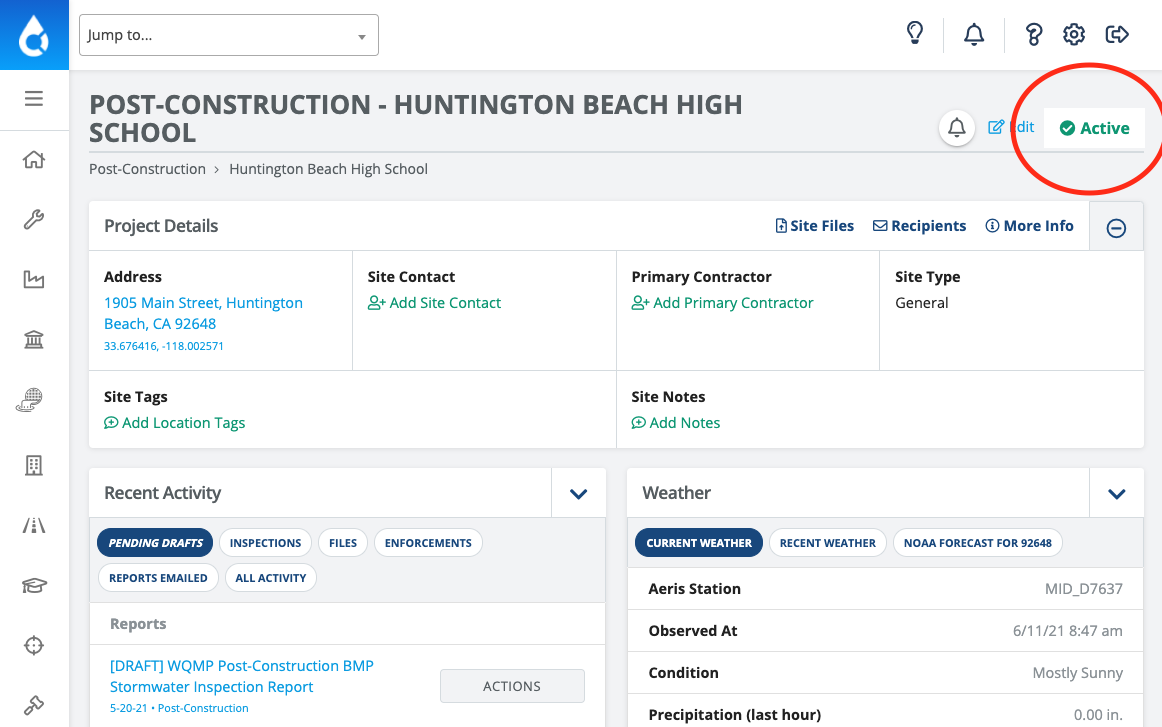
Select the 'Active' Label and choose a different status from the dropdown menu under Status. There may be more than one option to choose from, this will depend on what site statuses are set on your account by your account administrator.

Note: DO NOT DELETE a project once it's completed or set to inactive. By switching the status to Complete, in this case, all the project data and information will remain in the system forever to serve as a reference in the future.