
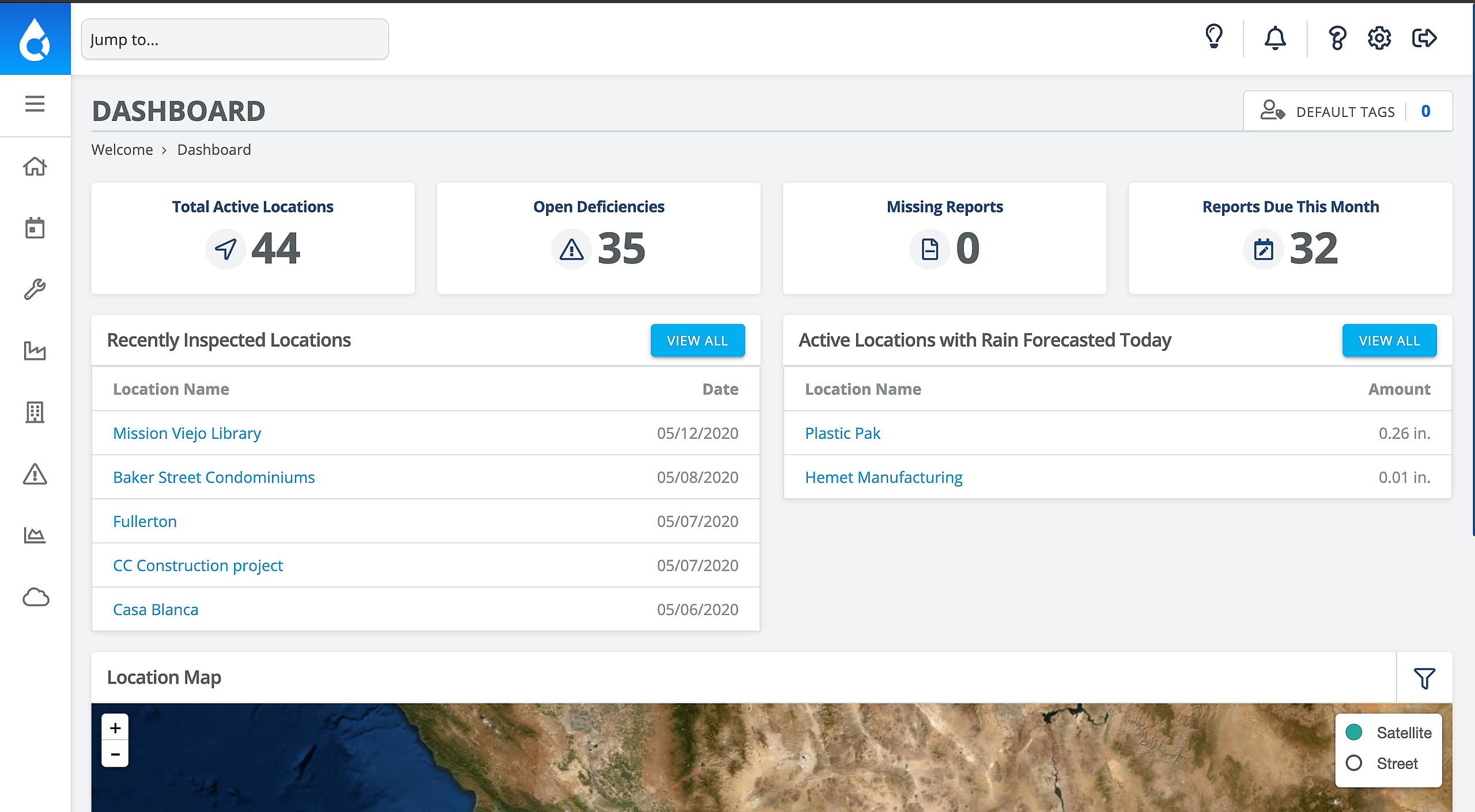
1. From the Dashboard, scroll down
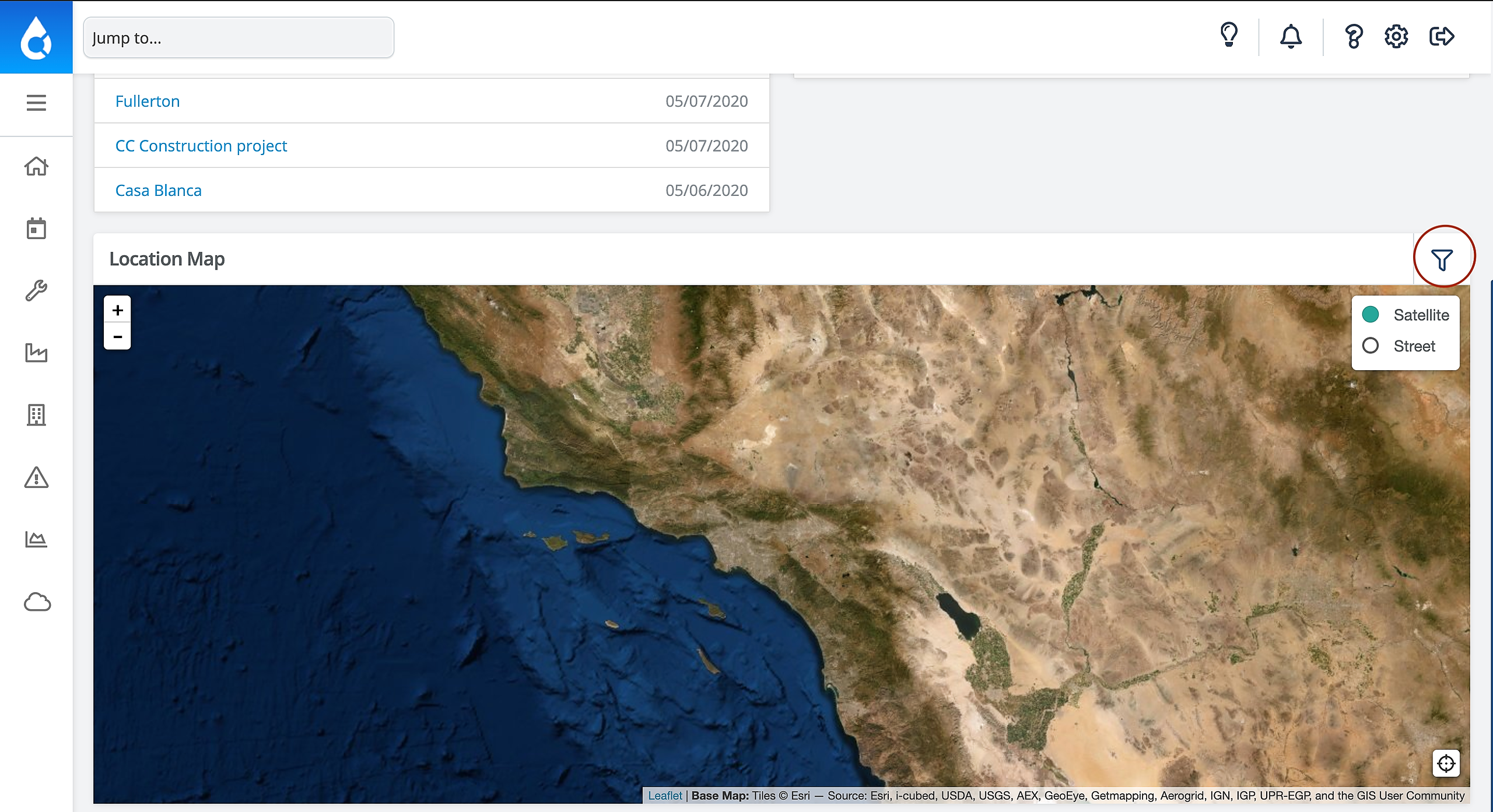
2. Click the Filter button in the top right corner of the map
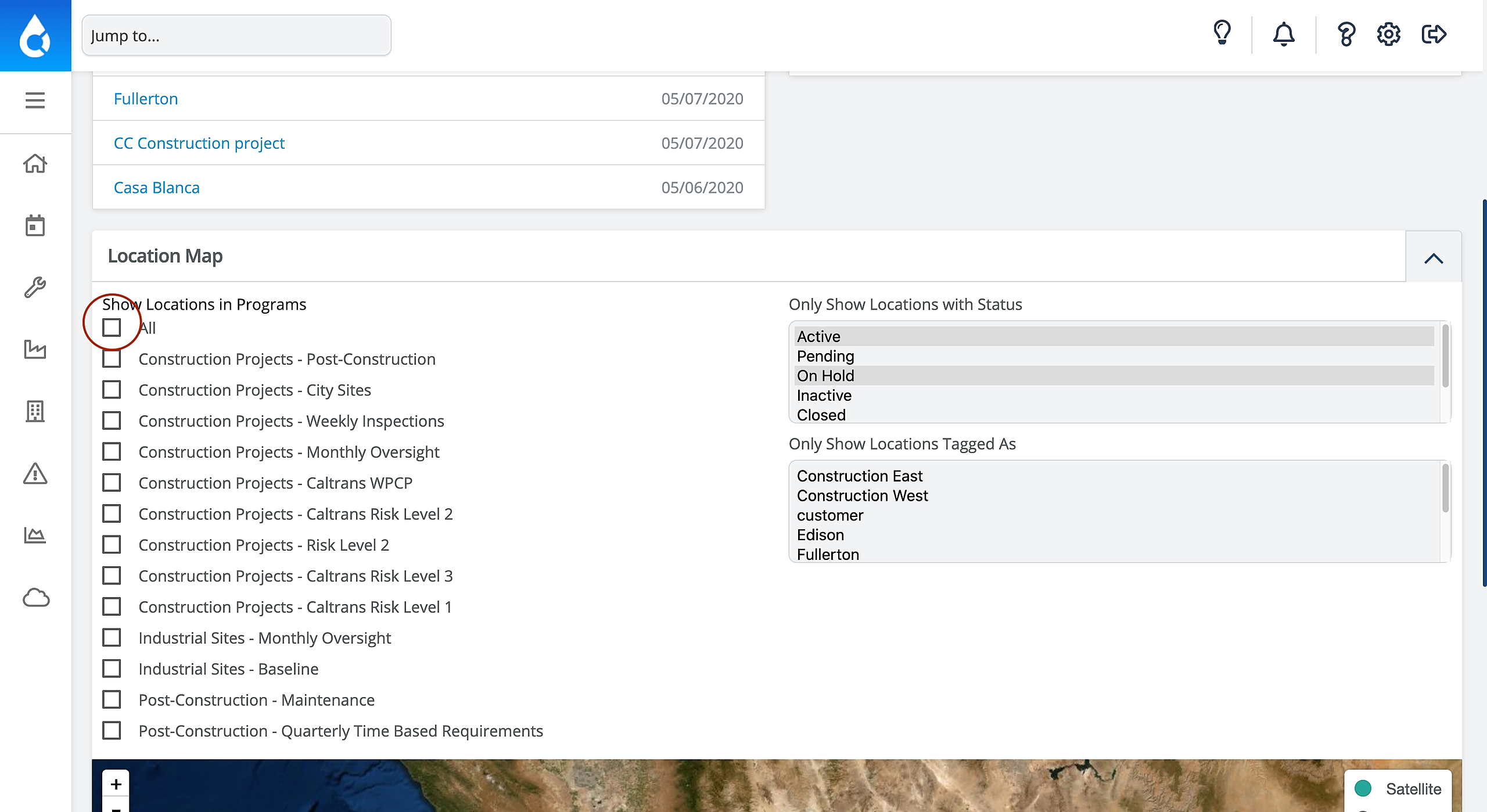
3. Click All on the left hand column of the Site Map
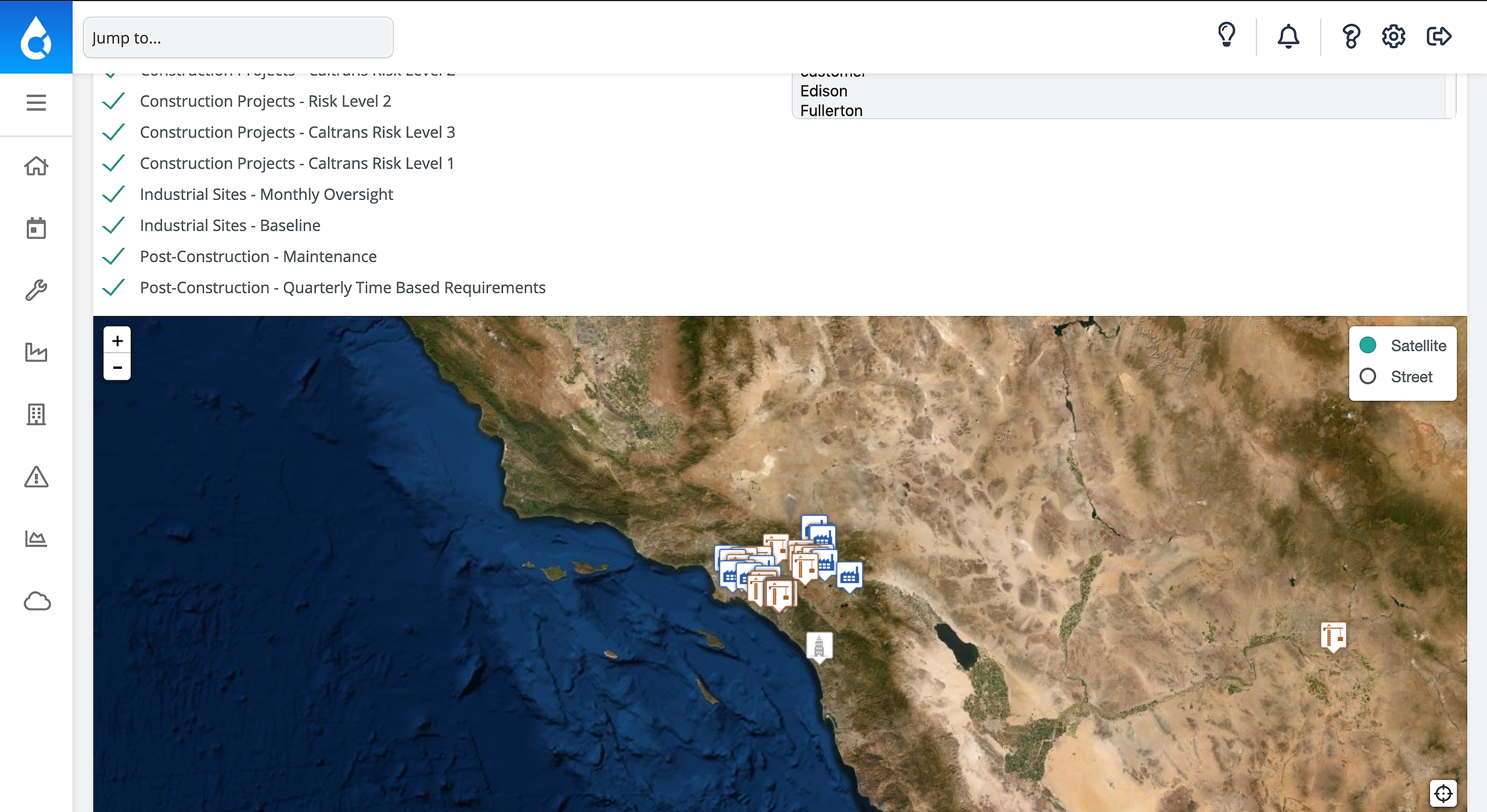
4. Ta-da!

How can we help you today?
Get help straight from our team...
General
You may ask: "Why aren't my projects showing up on this map?" Here's how to view them!
Last updated on 30 Aug, 2021
1. From the Dashboard, scroll down
2. Click the Filter button in the top right corner of the map
3. Click All on the left hand column of the Site Map
4. Ta-da!