

Getting Started
After completing the onboarding process you may log in to your account and start working!
There are two ways to access your account: on a web browser and/or on your mobile device using the CloudCompli application available on the App Store or Google Play Store. See Getting Started with Mobile to learn more.
CloudCompi's Unique URL
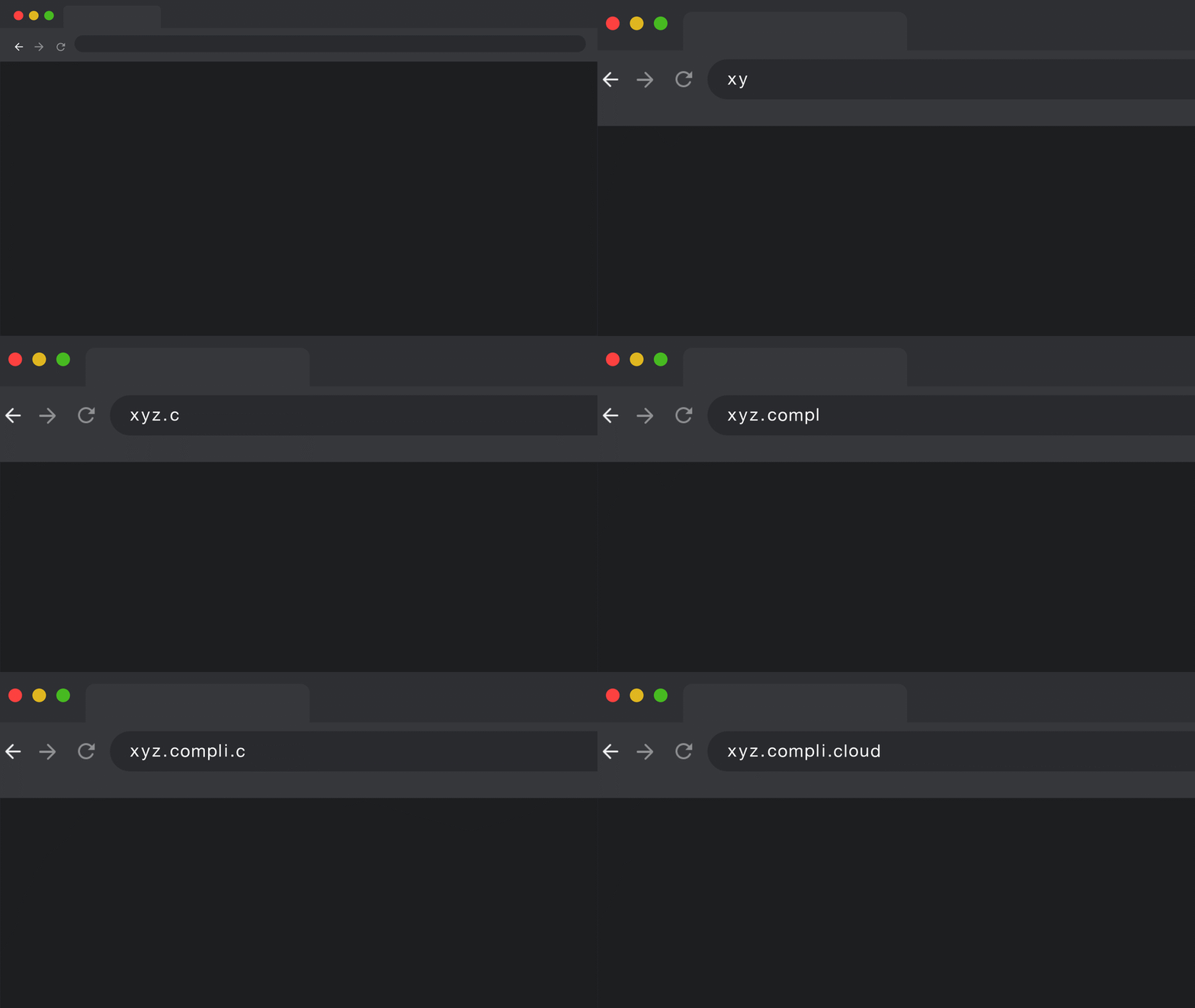
When onboarding is complete, a representative will provide you with your company's unique domain in the format:
[companyname].compli.cloud
To obtain your unique company URL or company key, please check your email, an introductory email will be sent to you after the onboarding process. You may also locate your company key via your user profile
Access your CloudCompli Account:
Once you know your unique CloudCompli URL, visit your account on any of your favorite browsers. (See Minimum System Requirements below to see the list of supported browsers). We strongly recommend favoriting or bookmarking your unique URL to have quick access to your account in the future.
For mobile log-in, see our CloudCompli Mobile App support article.
Login
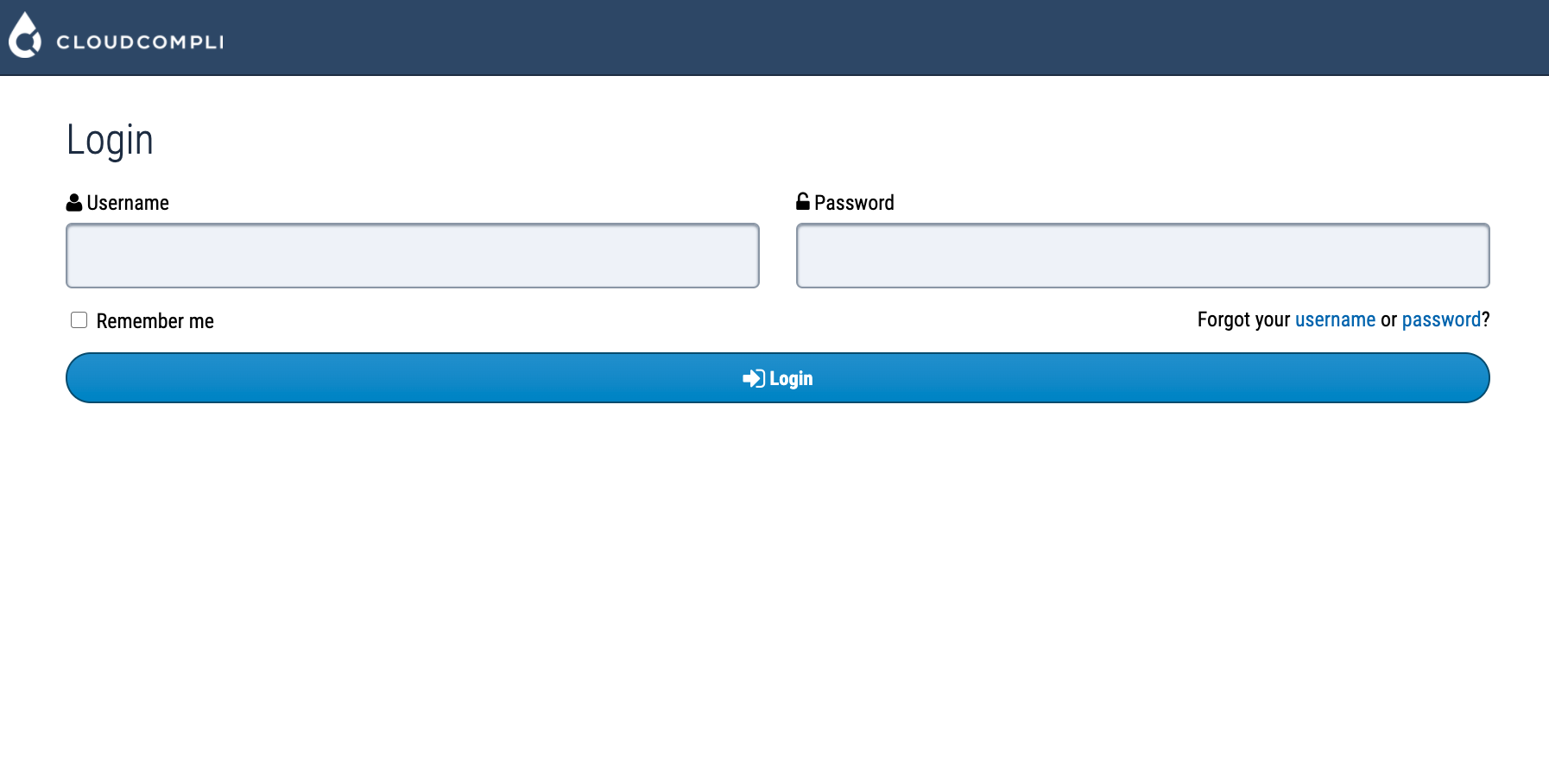
Once a username and password have been created continue logging in. If you have forgotten your username or password, click Forgot username or password to retrieve your login credentials. An email will be sent to you shortly to help you recover your account. Please contact our support team if you have any issues recovering your account.
To learn more about administrative roles and permissions or managing users. Please visit our Administrator Roles and Permissions support page.
Minimum System Requirements
CloudCompli Web Application supports any mainstream Operating System running macOS, Windows, or Linux.
Supported Browsers:
Safari 7+
Firefox 27+
Chrome 30+
Microsoft Edge
For mobile system, requirements see our CloudCompli Mobile Application support article.