Setting up your Aeris Weather Station
1. From your Site page, navigate to page 2 after hitting the Edit button on the top right corner.

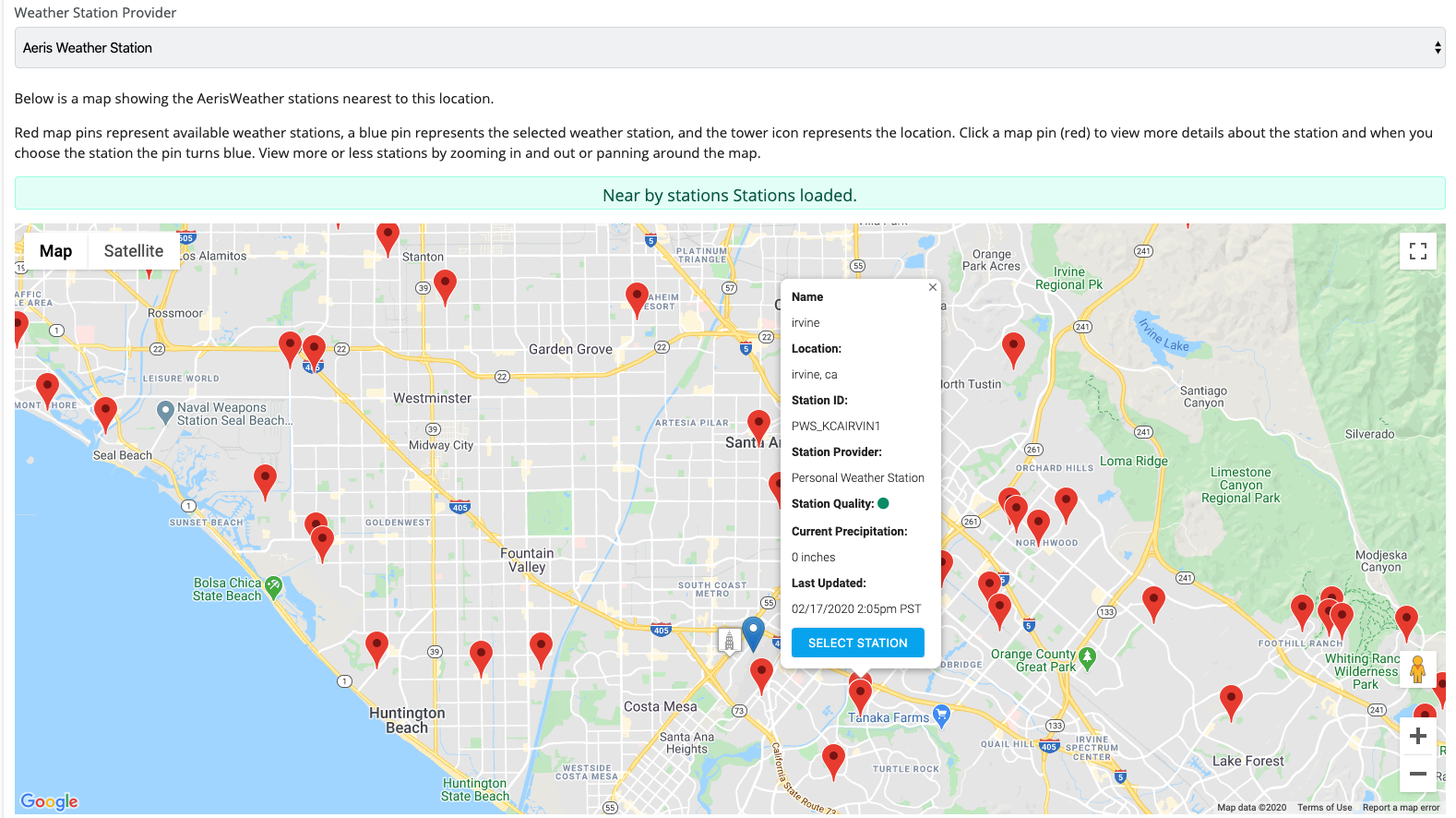
2. On page 2, scroll to the Weather section and locate the Service select box. Select Aeris Weather Station.

3. The dropdown select will prompt directions on how to select a station near your site. From here select the desired station and the red pin will turn blue.