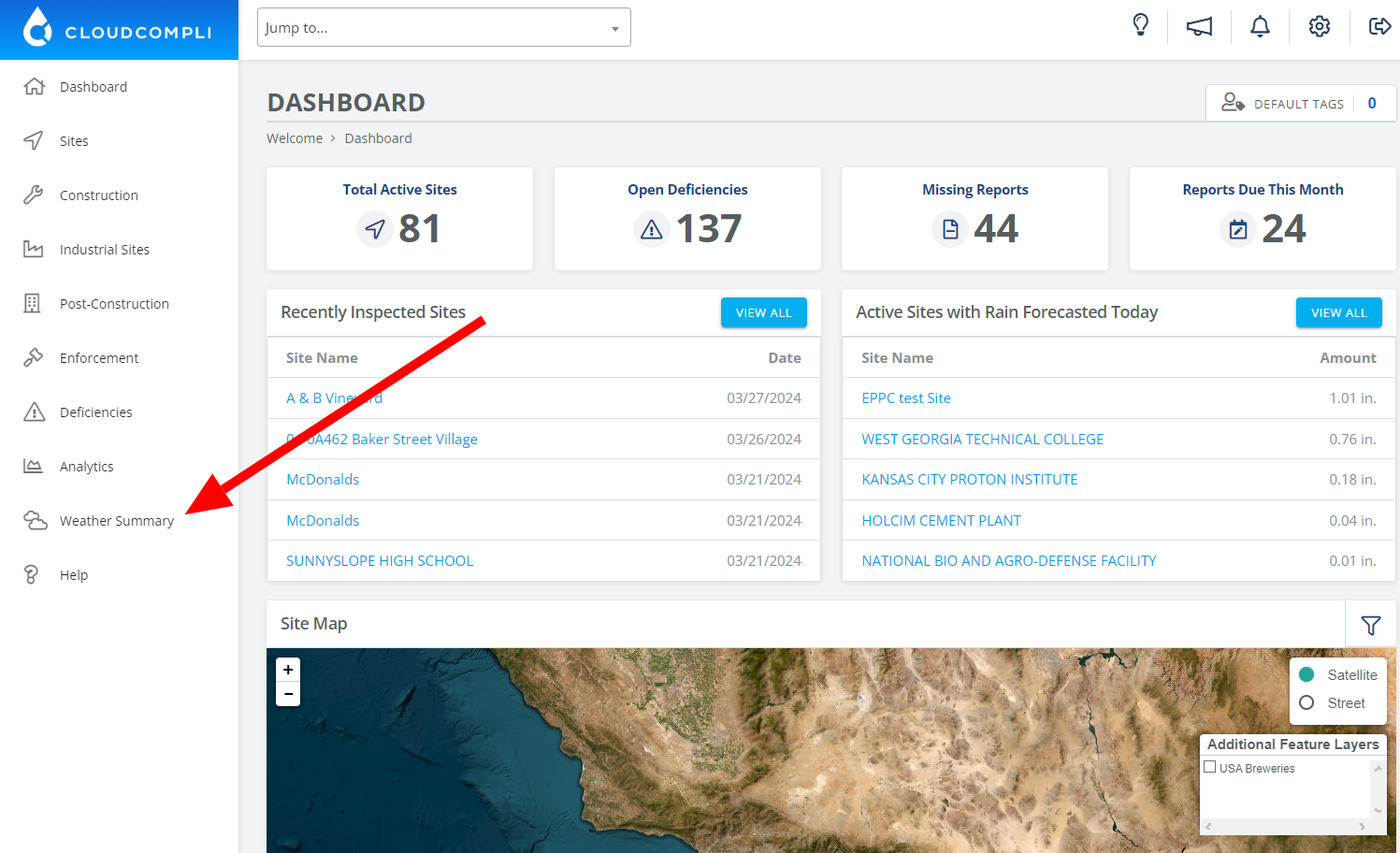
1. From the Dashboard, click on Weather on the left-hand side
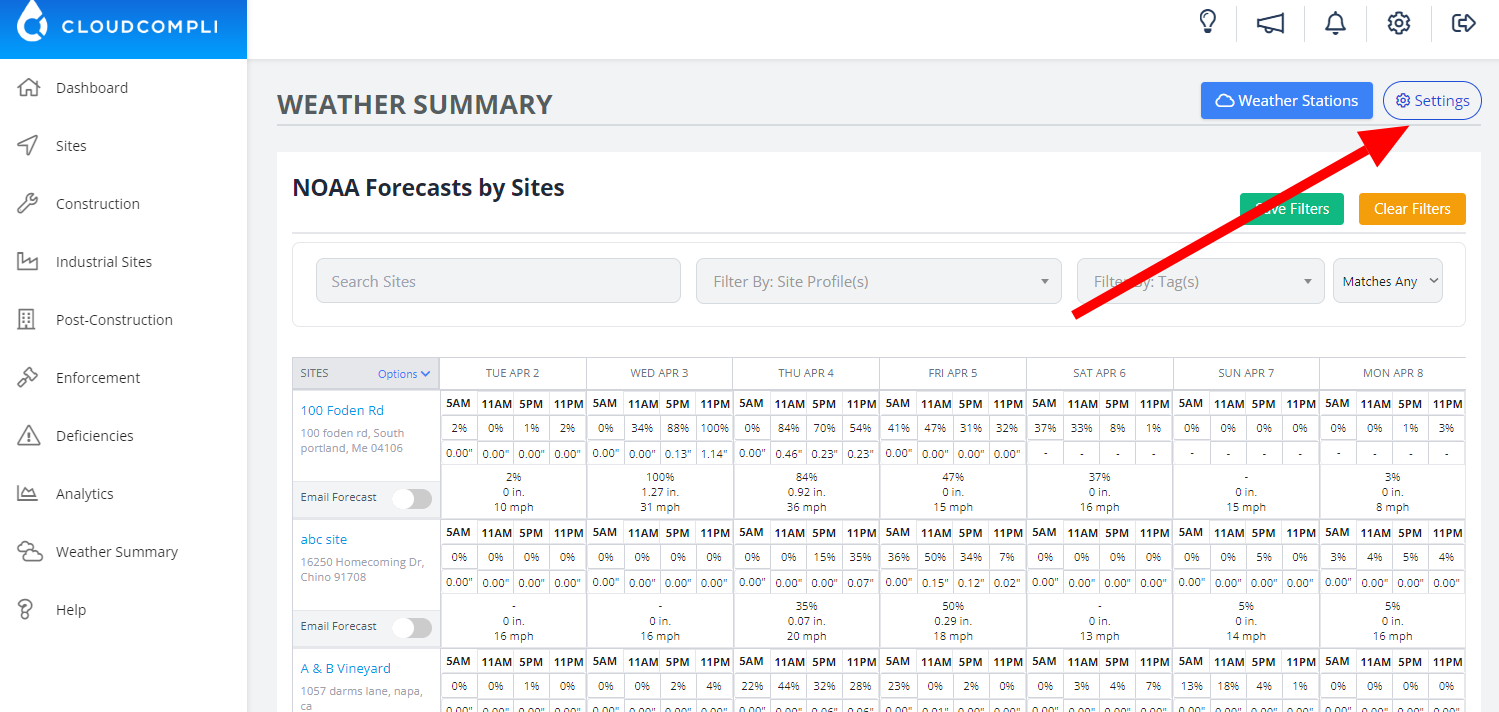
2. From this page, you will see all of your projects grouped by zip-code. Click Edit Summary Preferences.
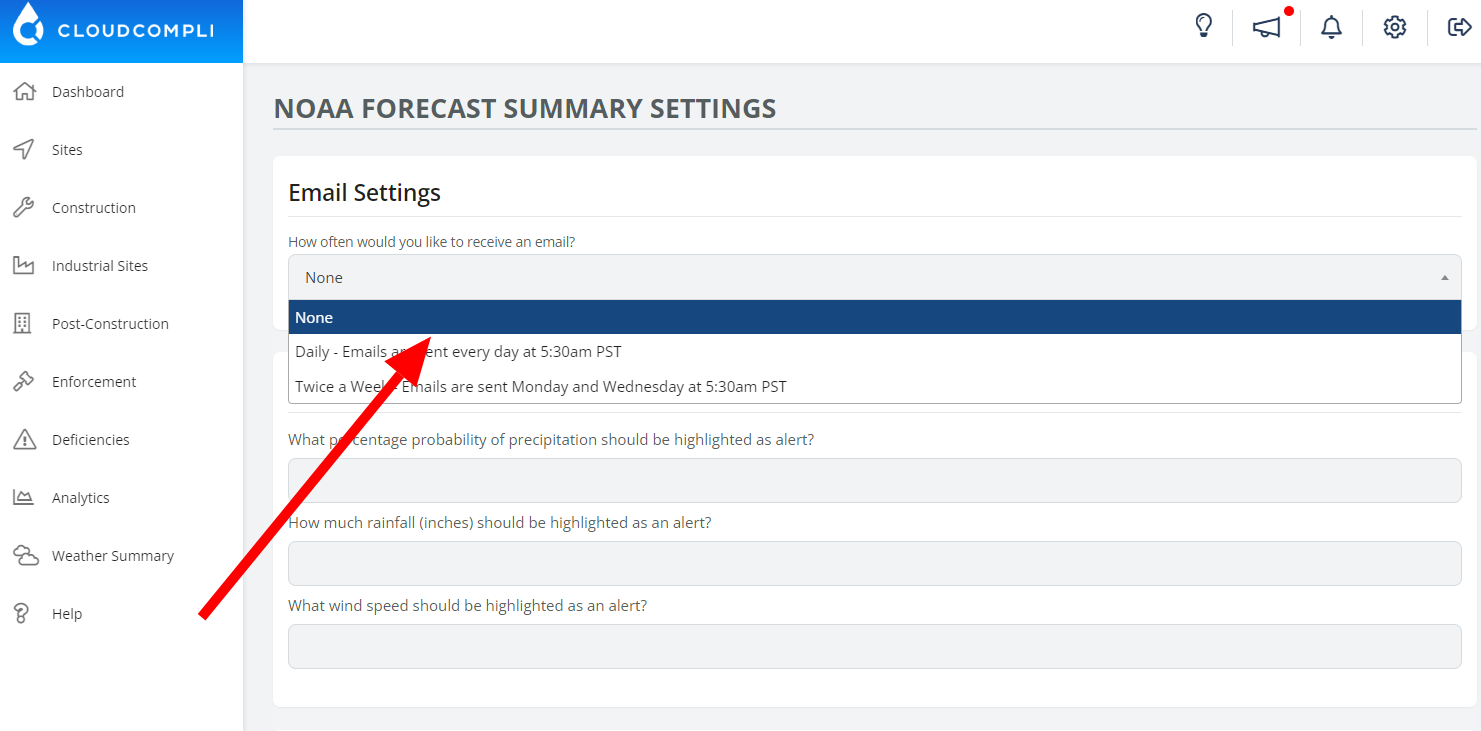
3. From here you can customize the amount of emails you would like to receive, the threshold, and which projects you would like to be notified about.
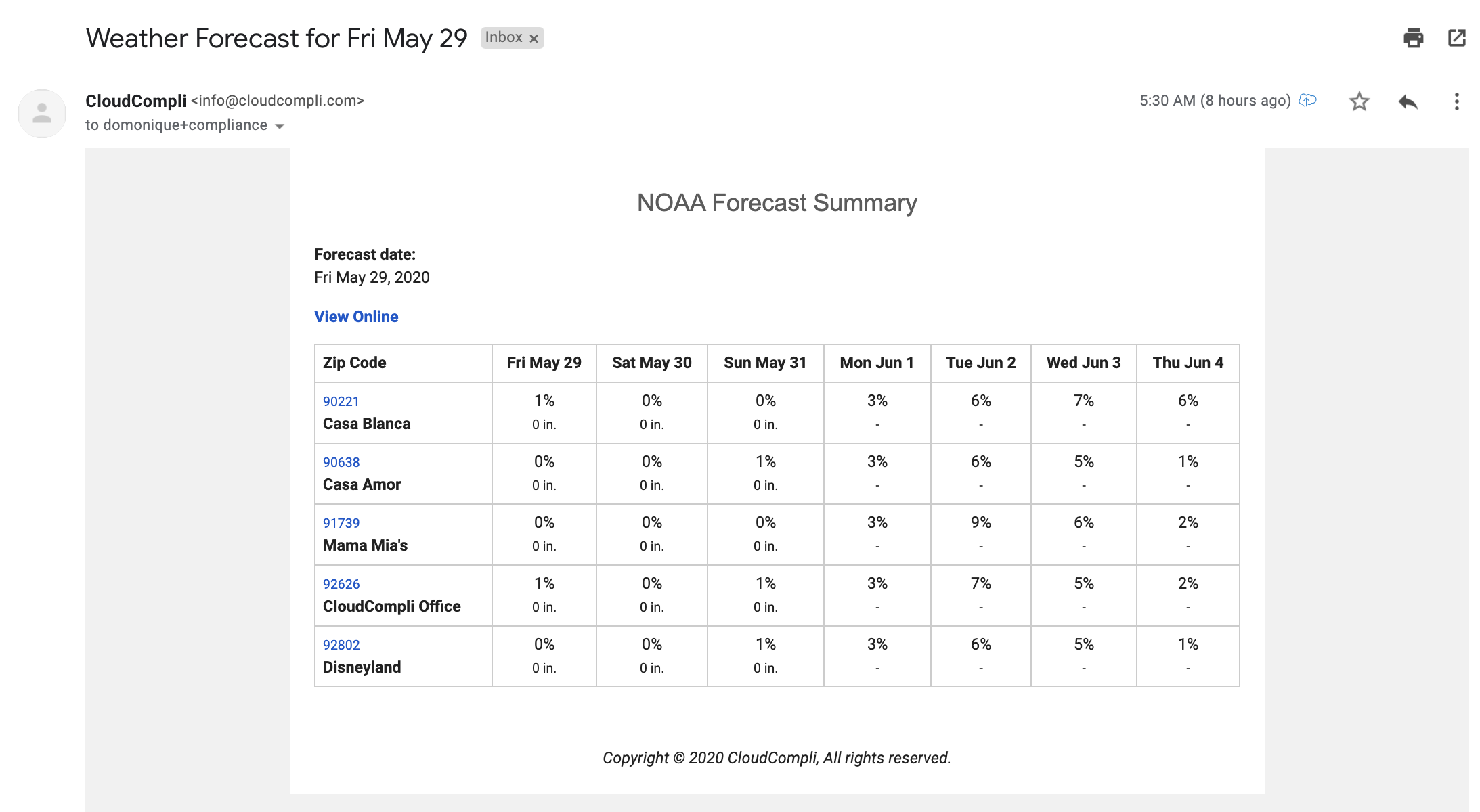
4. This is what your daily NOAA Forecast email will look like, based on the customizations you choose.