

You can now set your email templates as ‘global’, making them available for everyone in your system to view and use. This feature ensures that your team can easily access and select the right templates when sending emails, saving time and ensuring consistent communication.
Where to Find It: You can see the changes in settings under “My Custom Preferences” in the Custom Email Templates section.
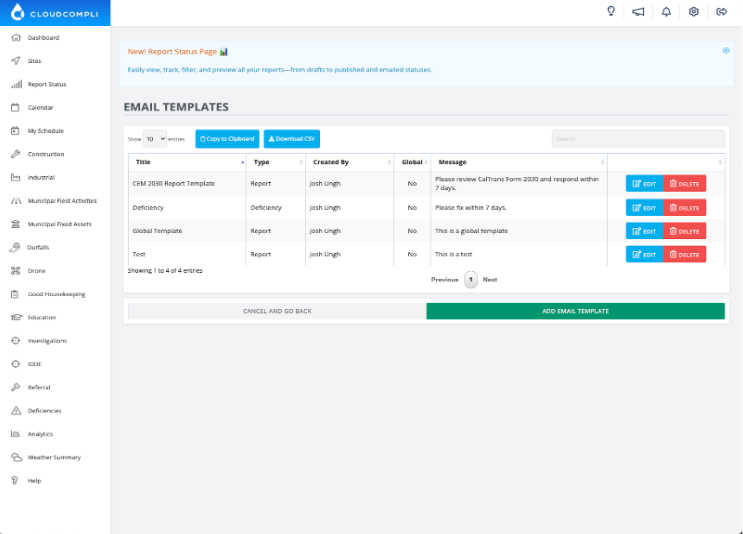
Enhanced email settings:
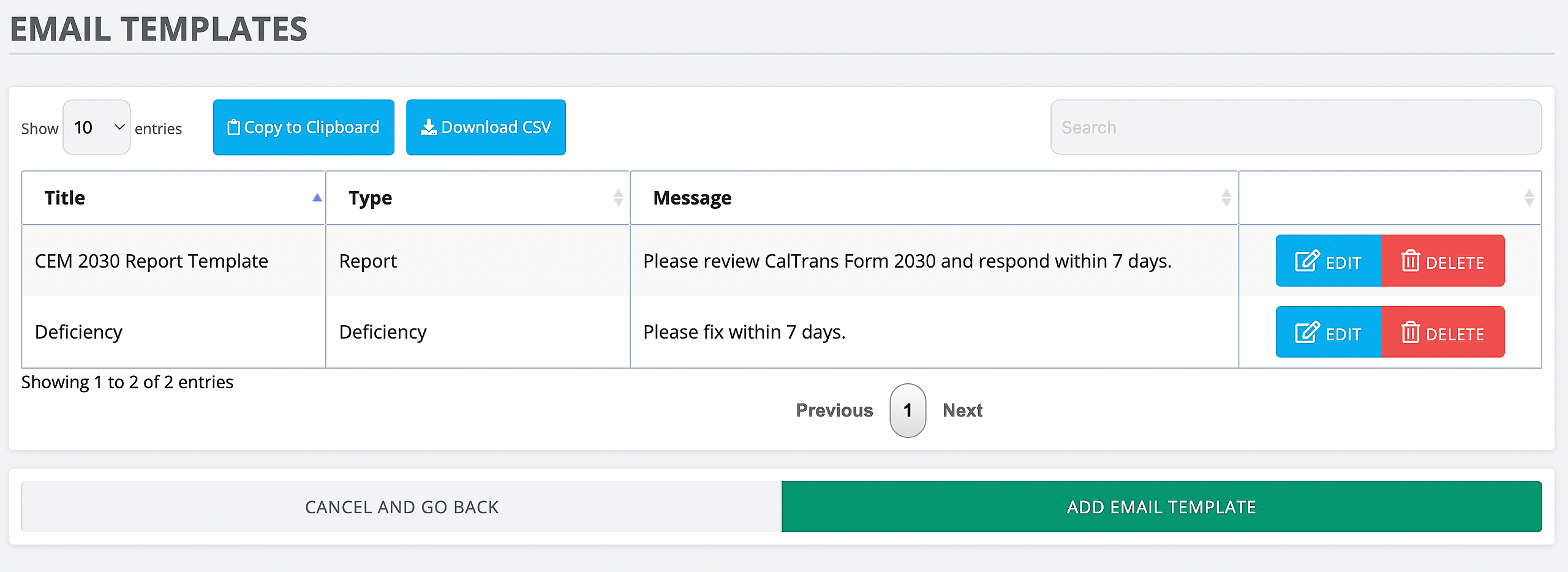
Our revamped email settings page now includes options to create custom email templates and enable auto-emailing functionality.
Setup
Go to Settings > My Custom Preferences > Custom Email Templates
Note: Available only on the web platform.
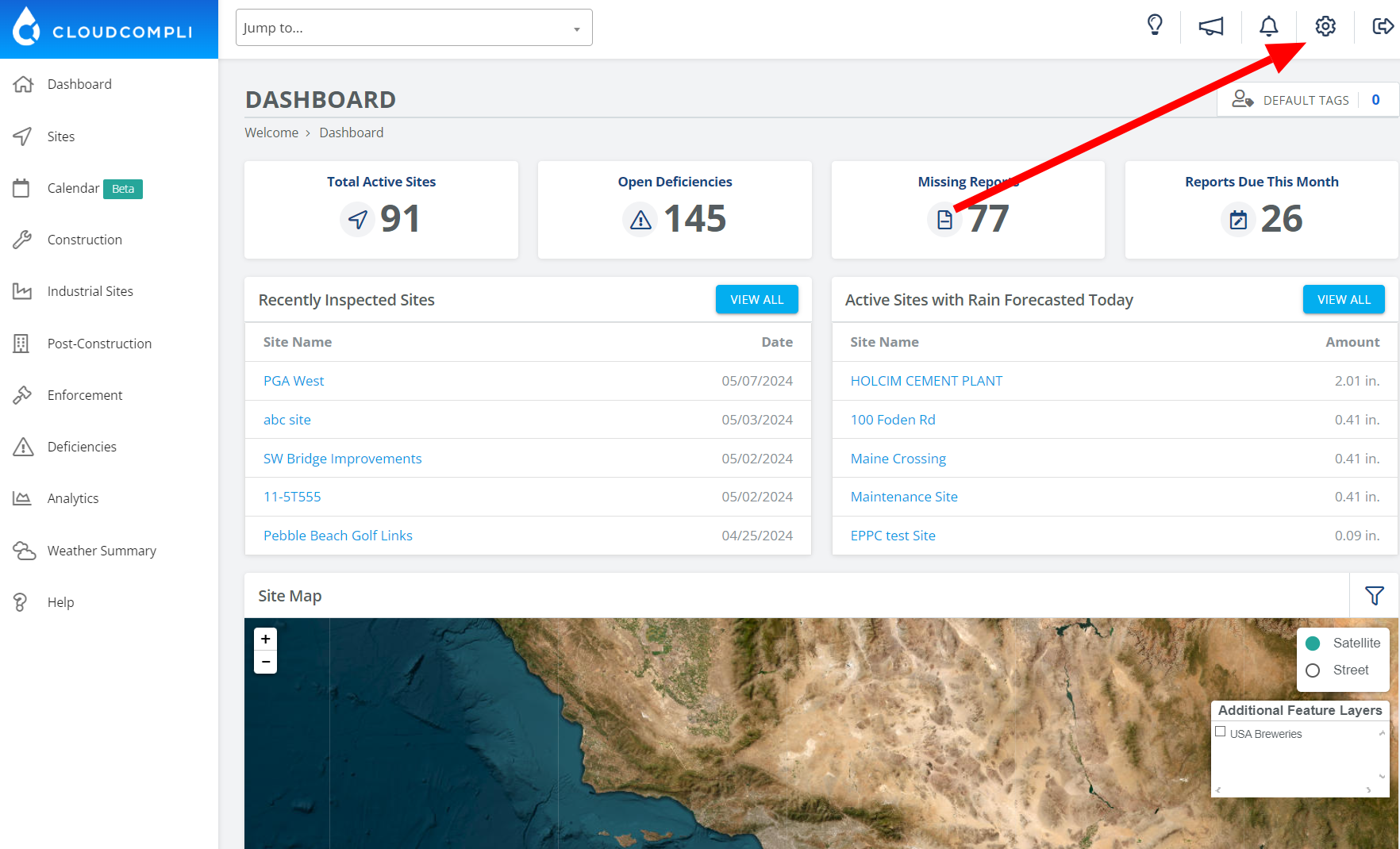
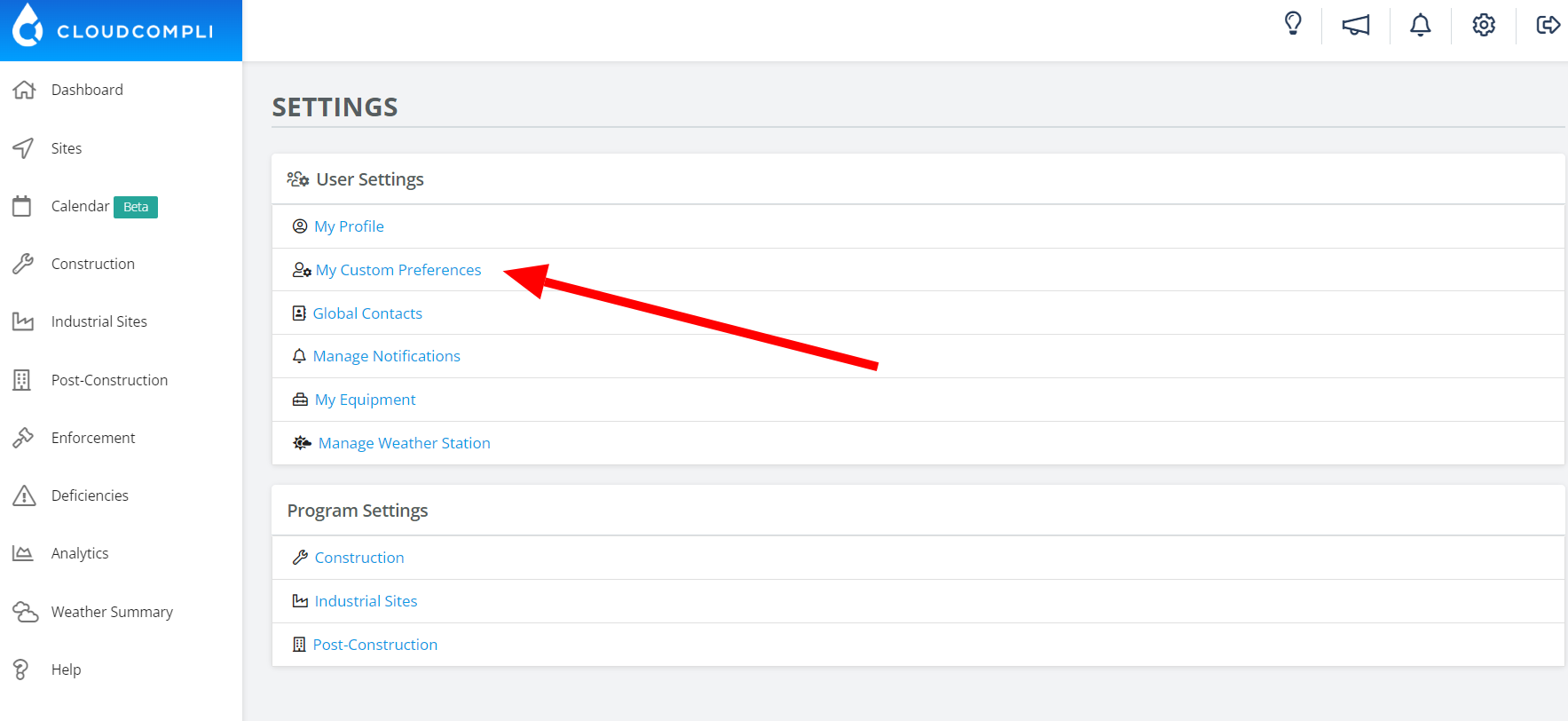
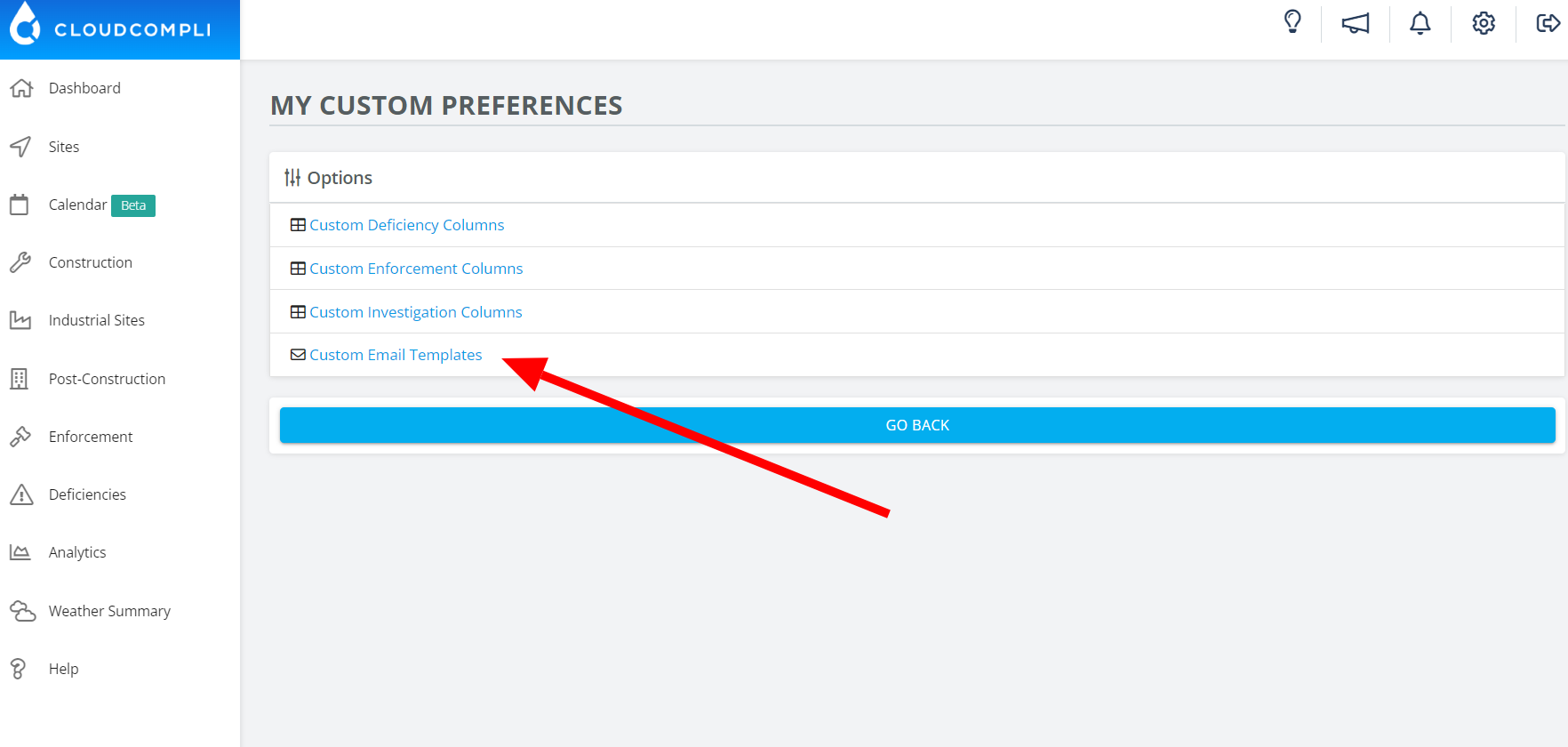
How to make use of this too
When emailing out a report, select from one of your personalized templates at the bottom of the page.
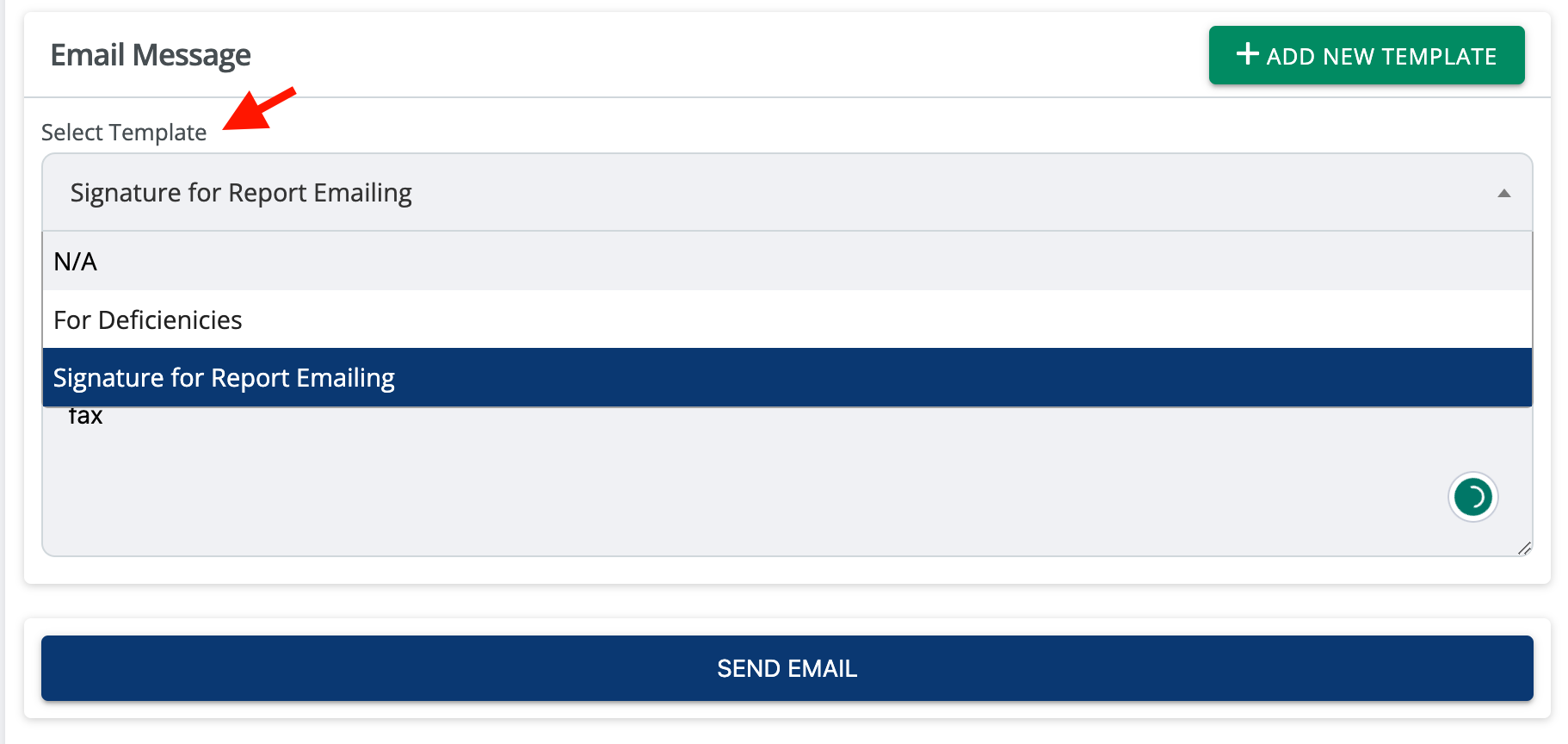
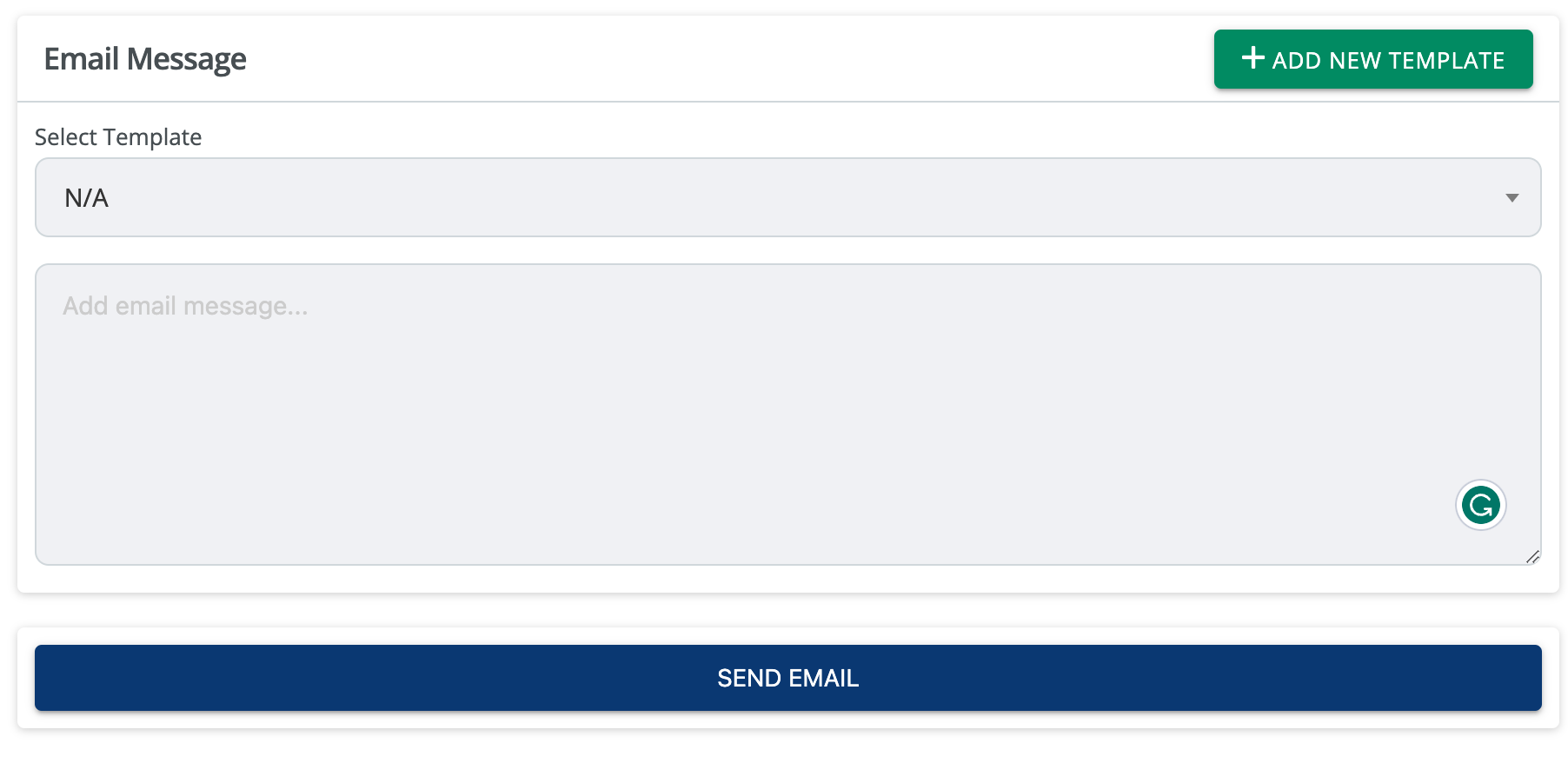
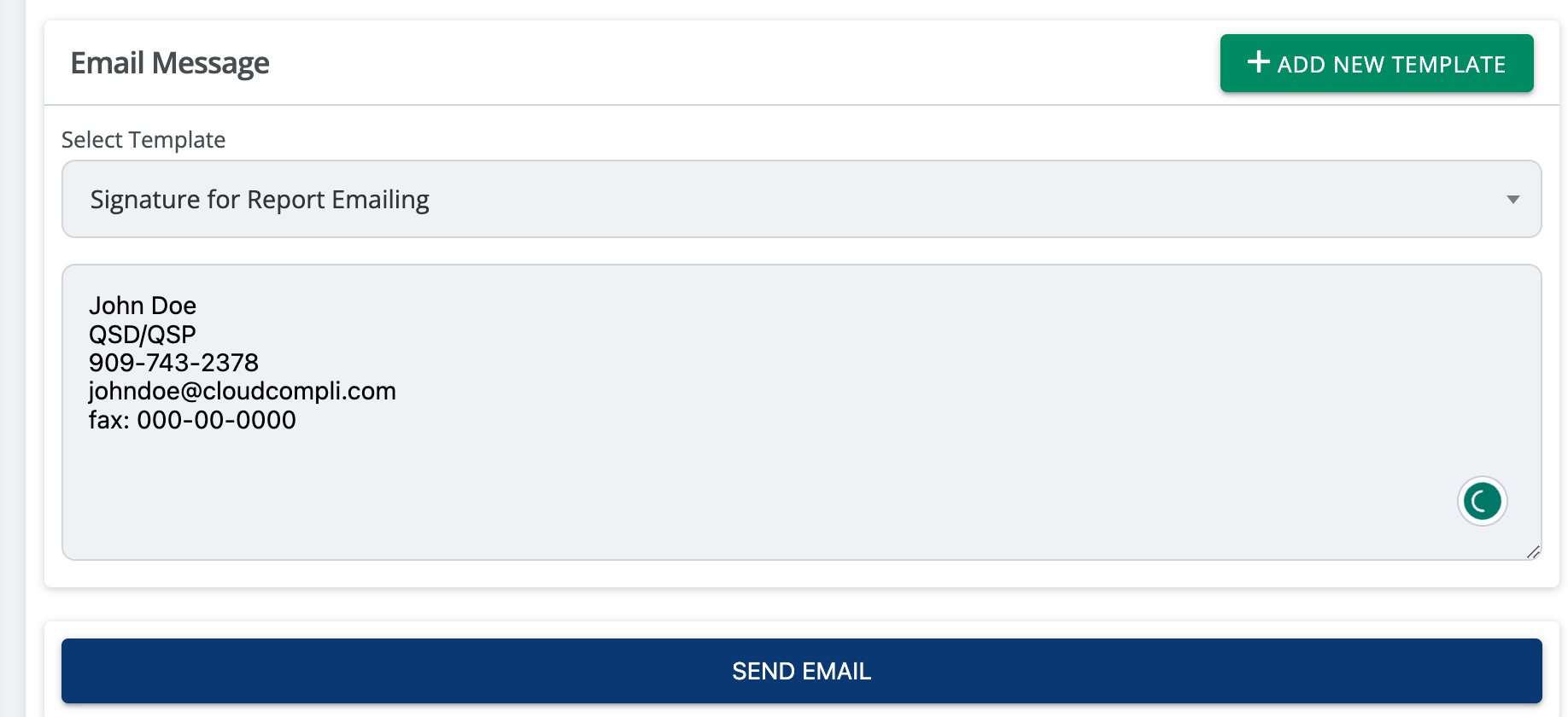
You may also add a new custom template on the fly by selecting the "+ Add New Template" from above.