How can we help you today?

Get help straight from our team...

User Personalization

Adding a Signature

With CloudCompli, you'll only need to save your signature once and it will pre-populate onto all of your reports!

Last updated on 19 May, 2020

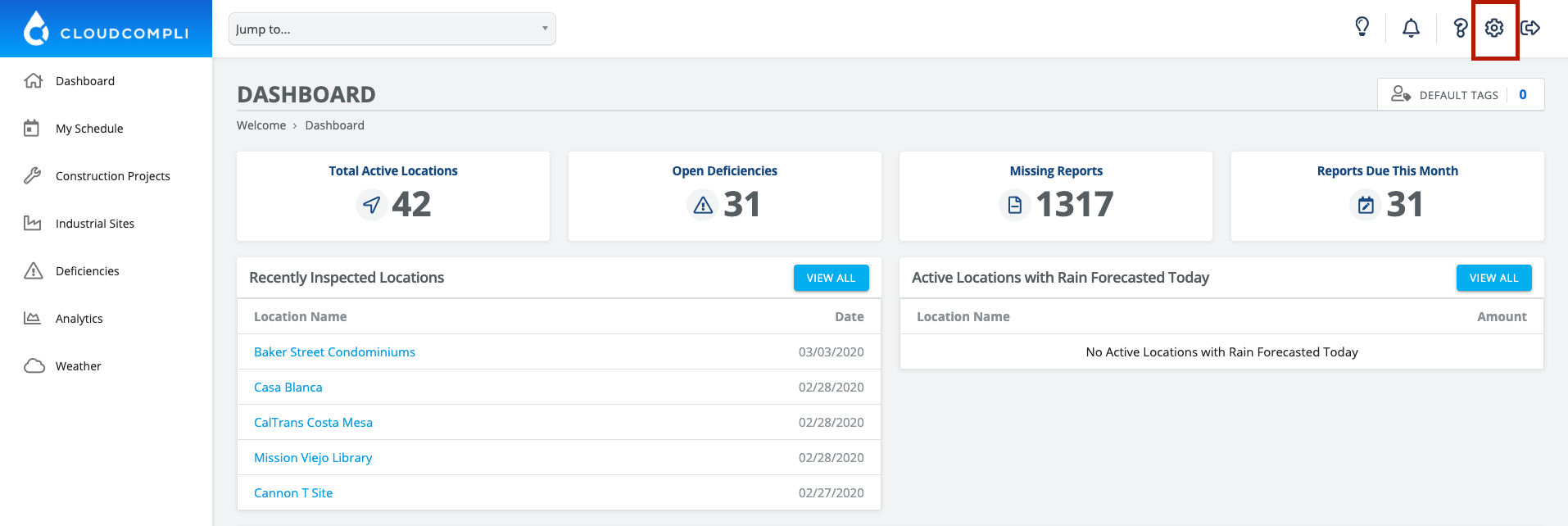
1. From the Dashboard, click on the Setting gear in the top right corner
 

Image


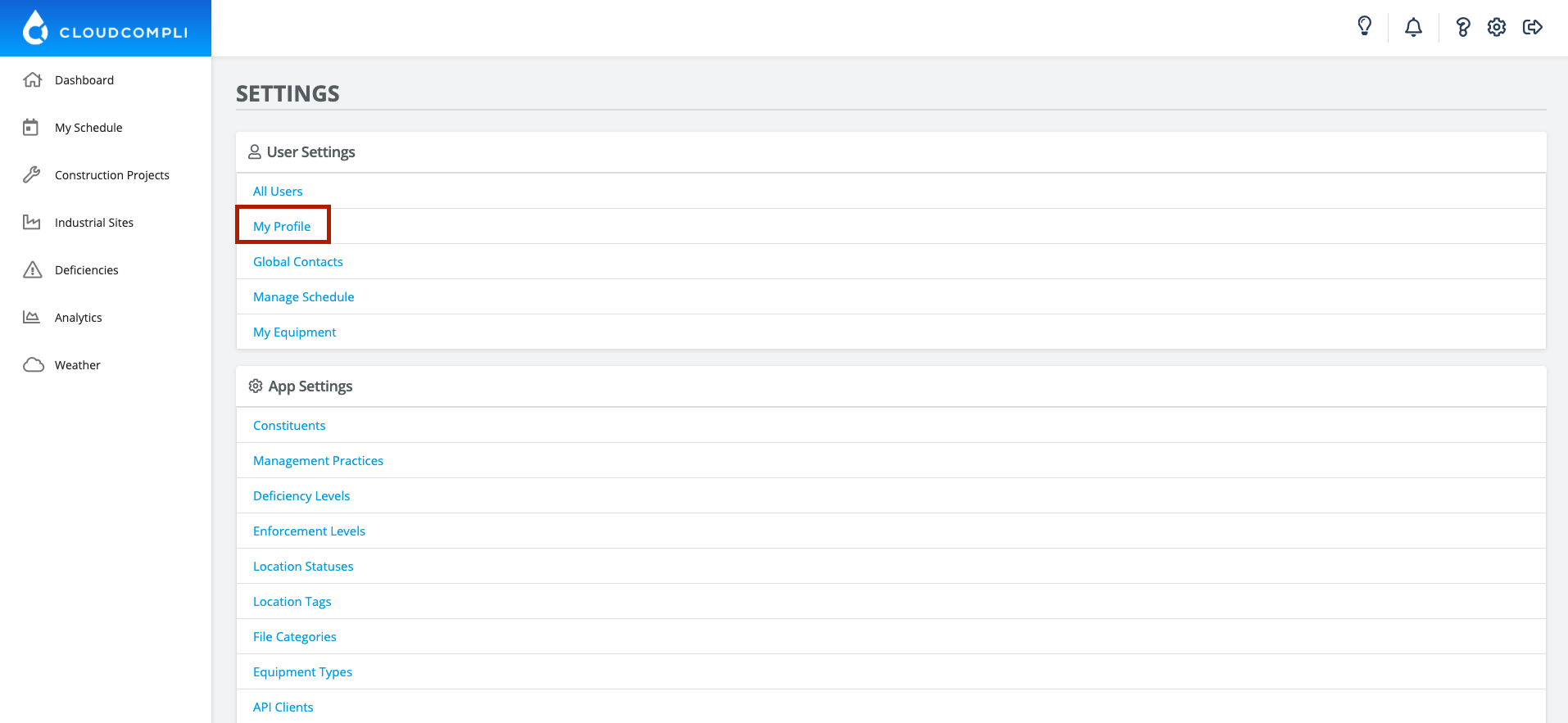
2. Click My Profile


Image


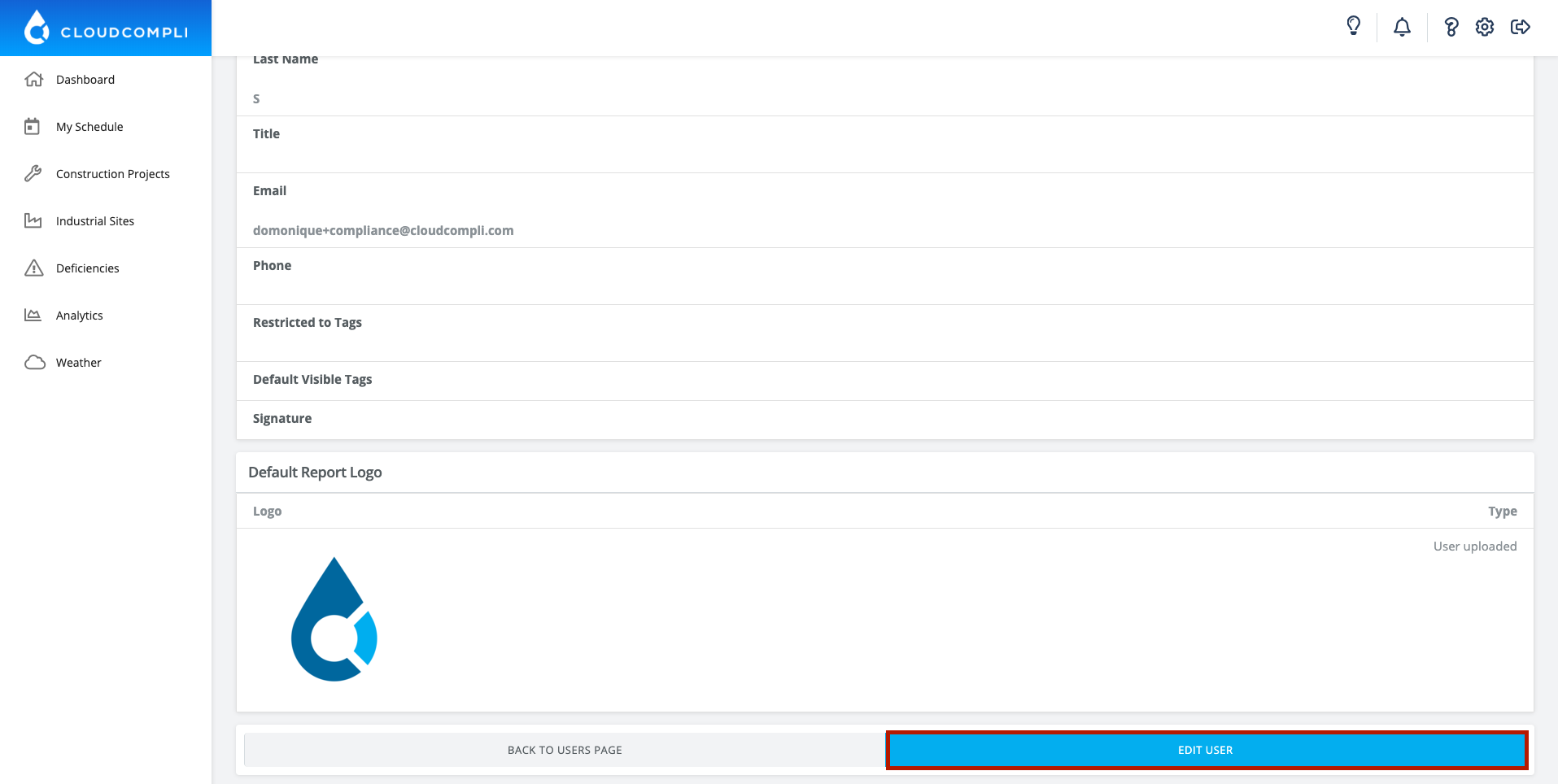
3. Scroll down to the bottom and click Edit User
 

Image


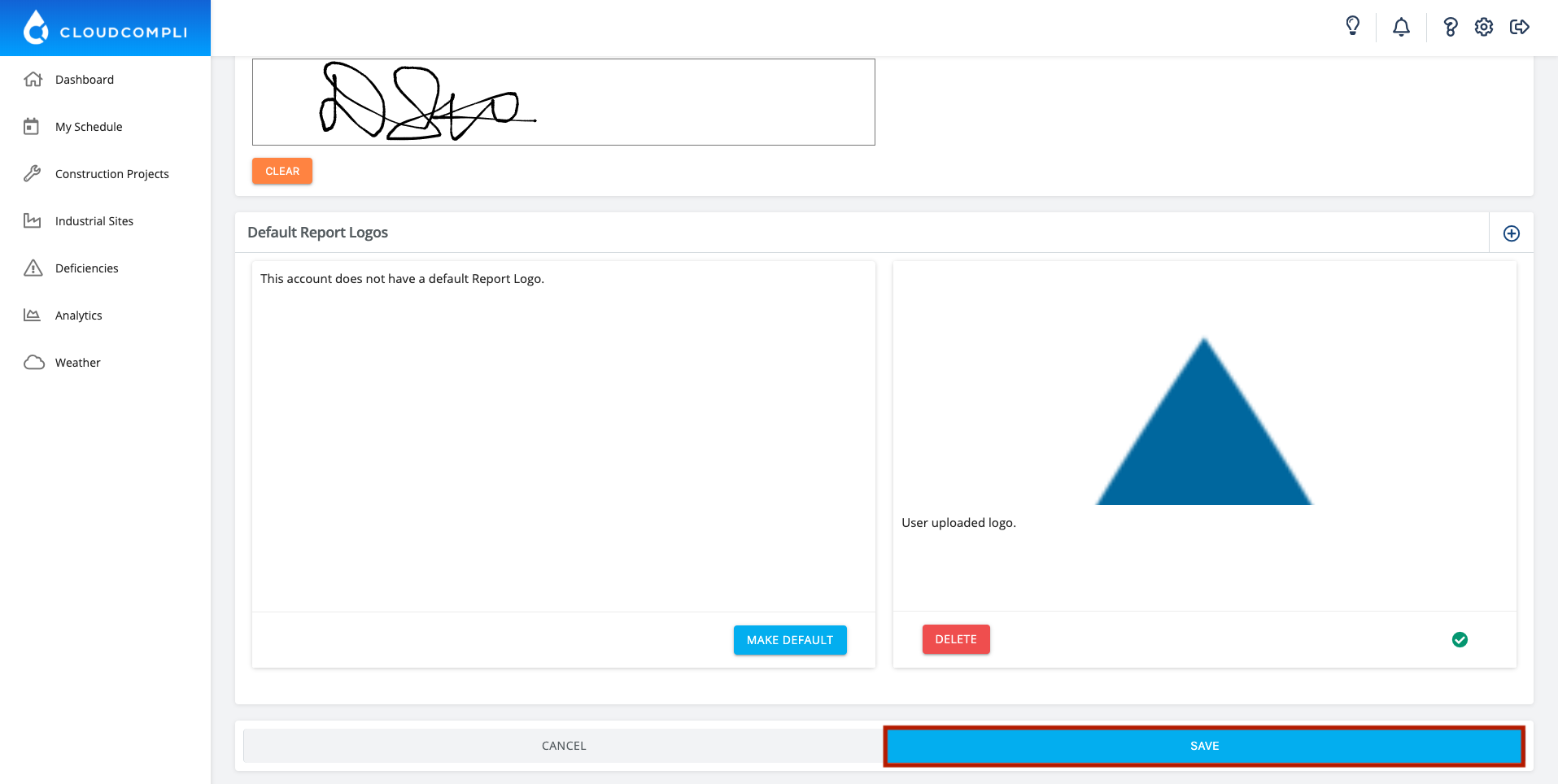
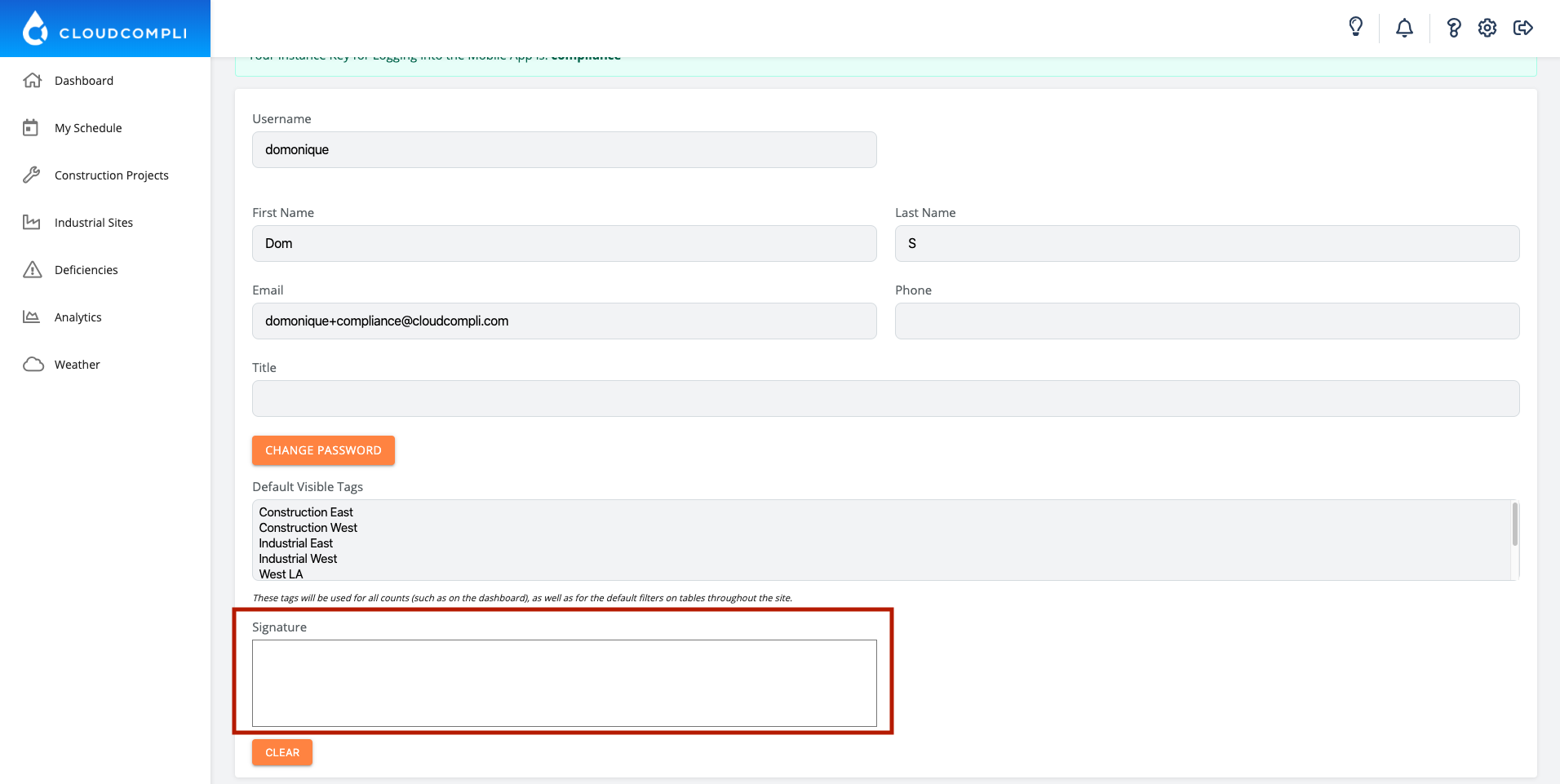
4. Scroll down to the bottom and write your signature in the box with your mouse, stylus, or finger
 

Image


5. Click Save


Image
Did you find this article helpful?
Previous

Adding Equipment

Next