

Step by step:
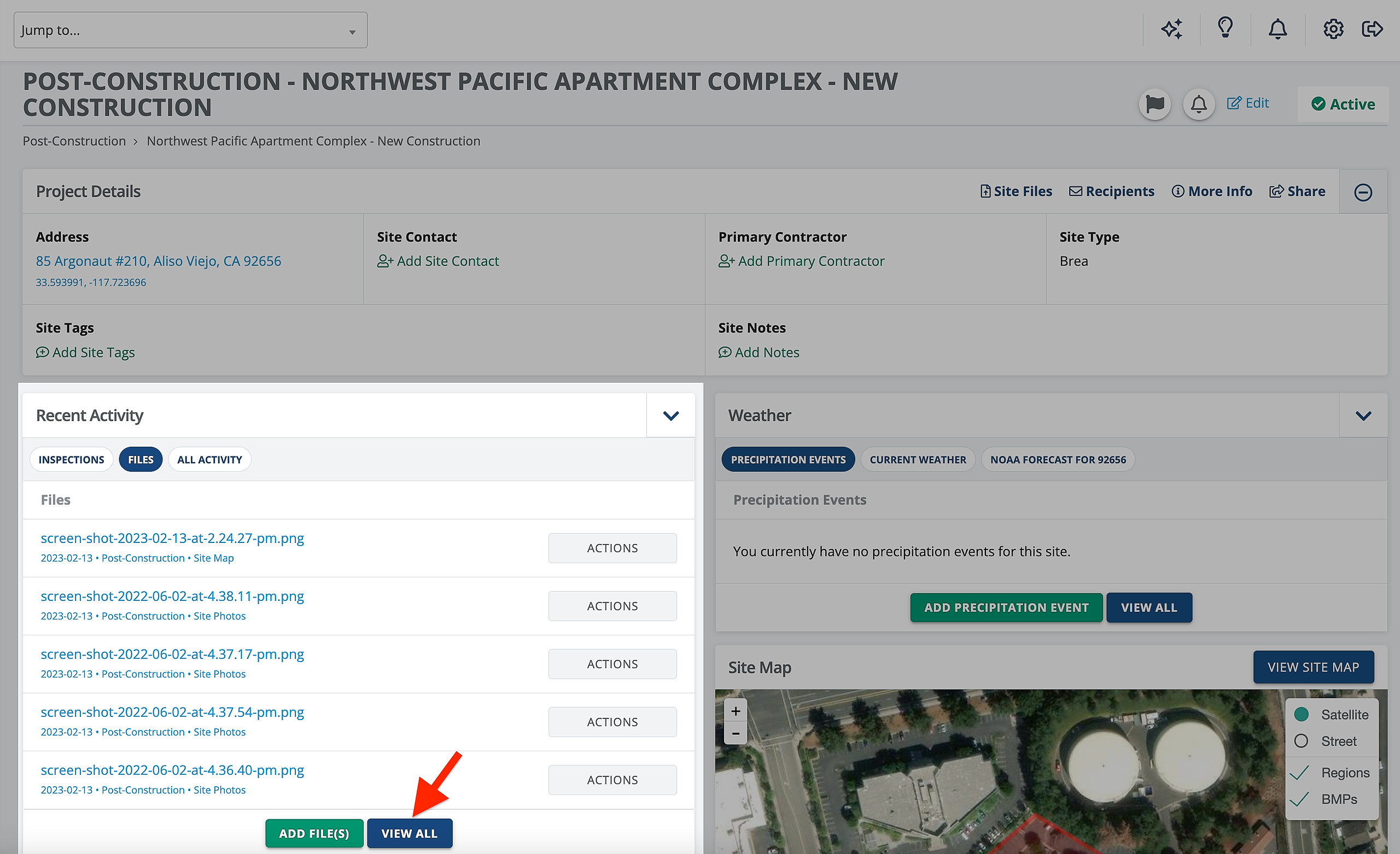
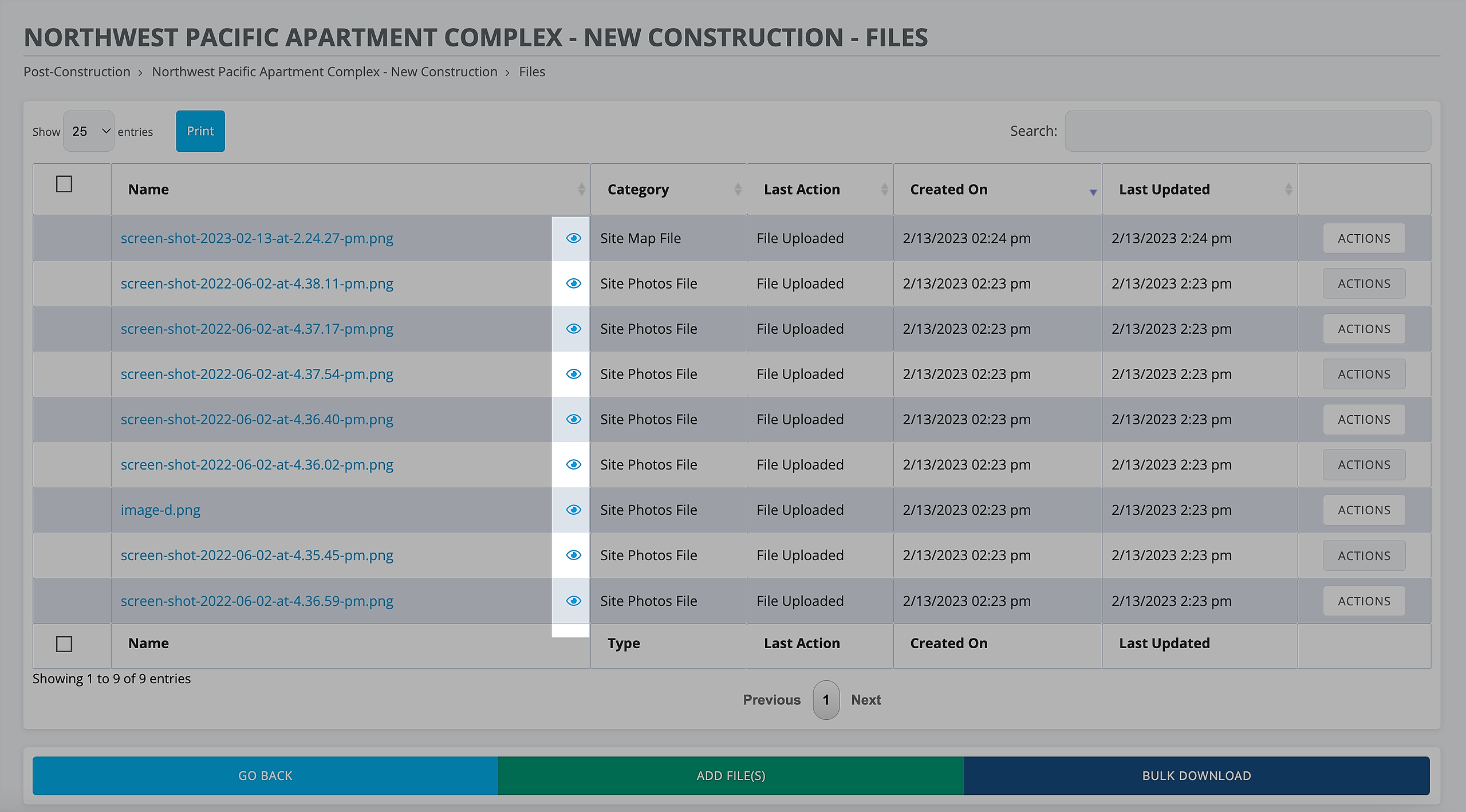
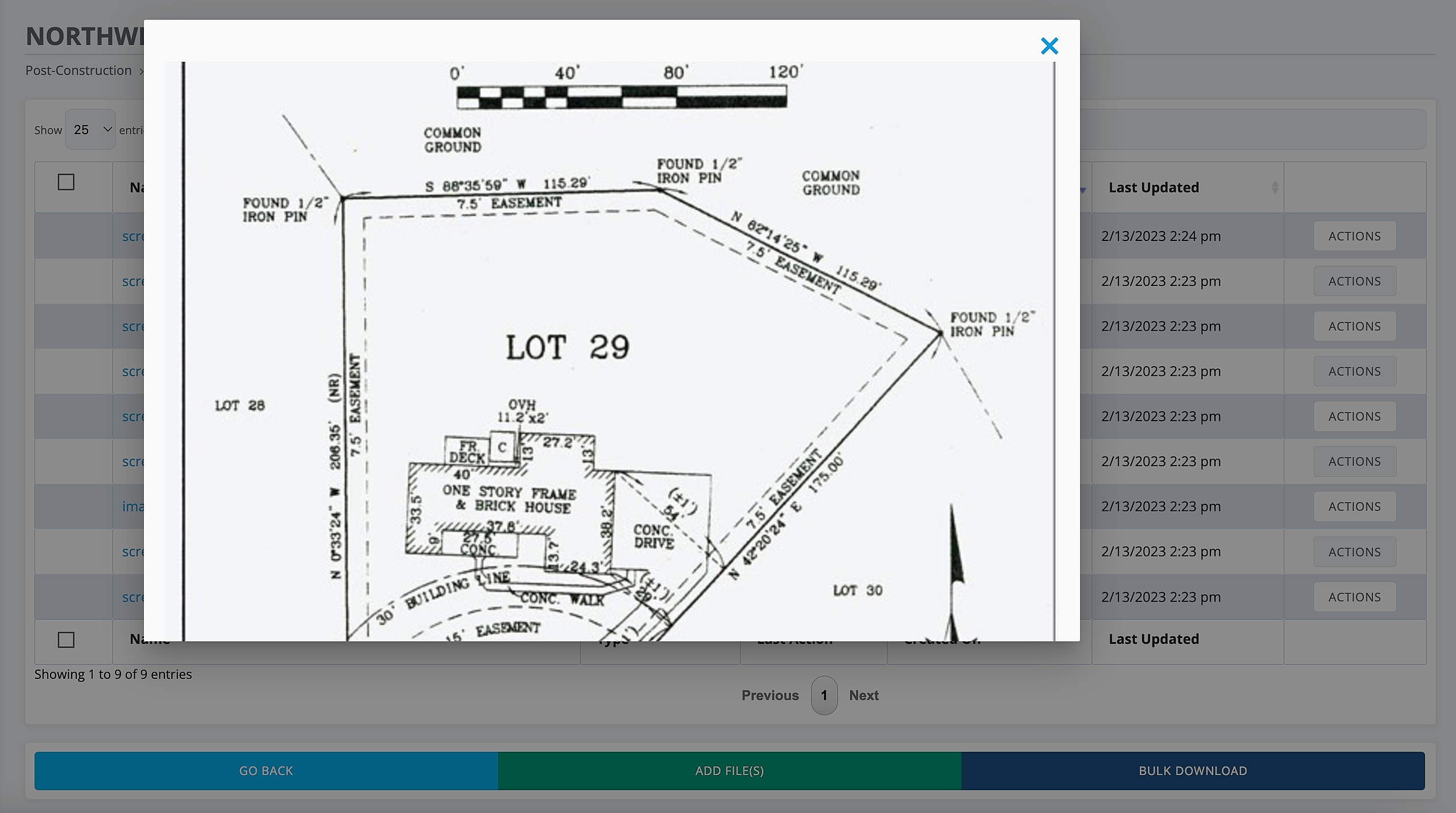
On any site/project, in the Files tab under Recent Activity, select View All to view all files for this site. Click on the eye icon to preview a file.
NOTE:
This quick preview feature only works on PDF or image file types. For PDF files, only the first page of a document with more than one page will show. This feature is currently only available on the web platform and not on the CloudCompli mobile application.