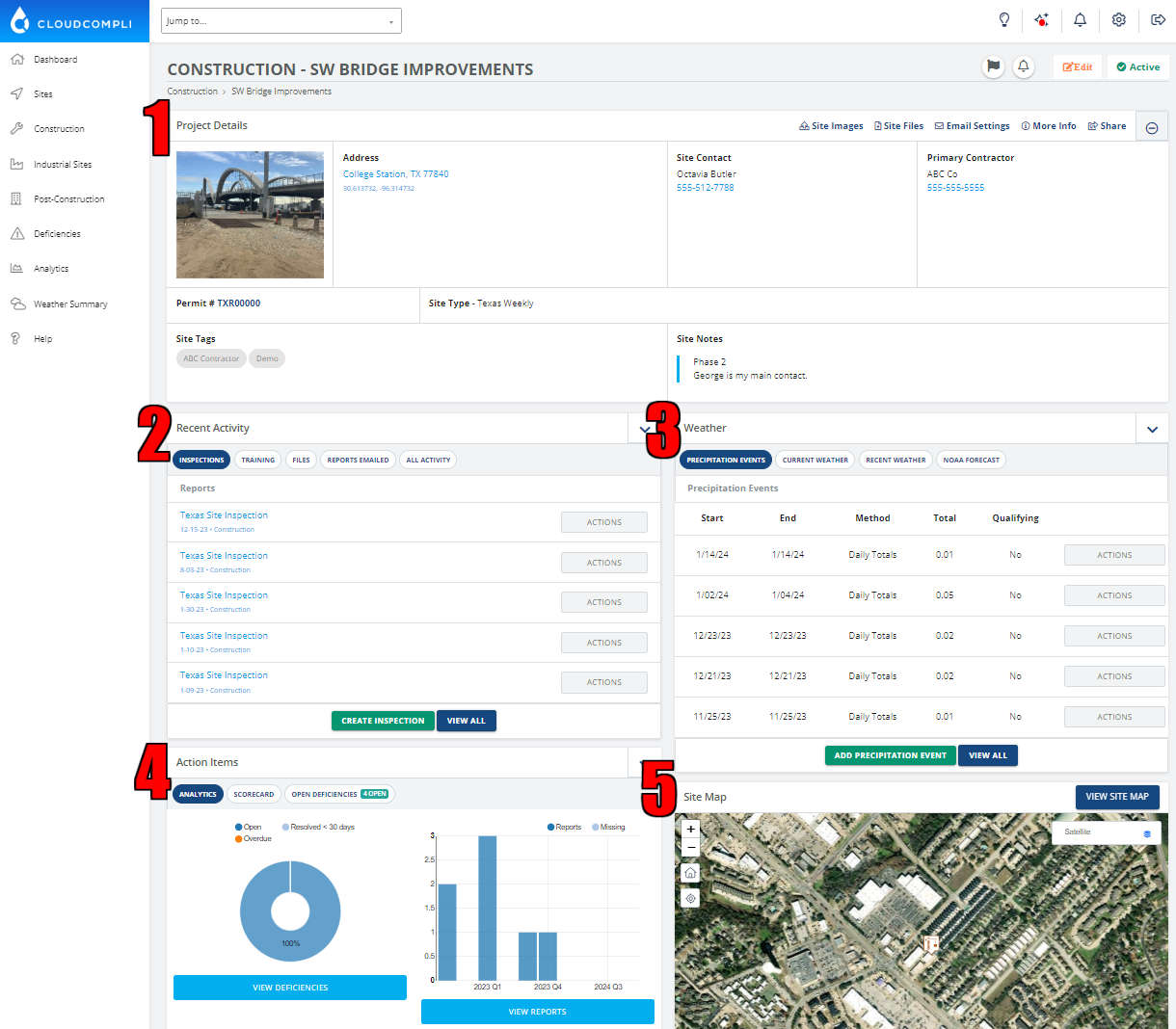
In this article, we will guide you through the general sites page. The site page consists of five sections:
1. Project Details, 2. Recent Activity, 3. Weather, 4. Action Items, and 5. Site Map.
1. Project Details.
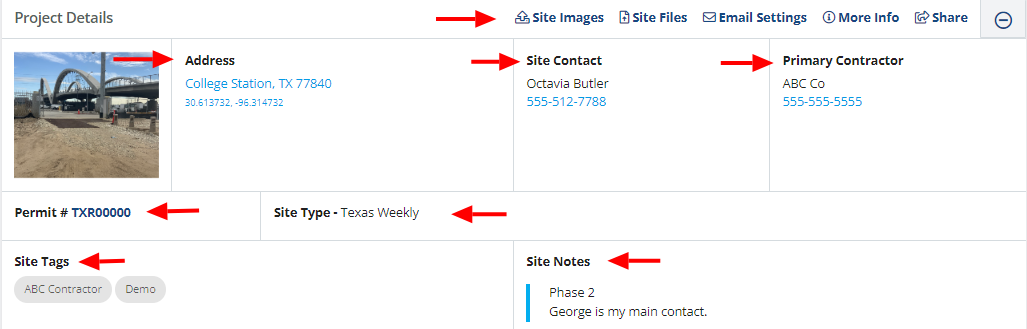
In the 'Project Details' section, you will find information about the selected site, including the site address, site contact, primary contractor, and type of site. In this section, you also have the option to add site notes and tags.
Additionally, you can access site images, site files, email settings, and sharing options.
2. Recent Activity.
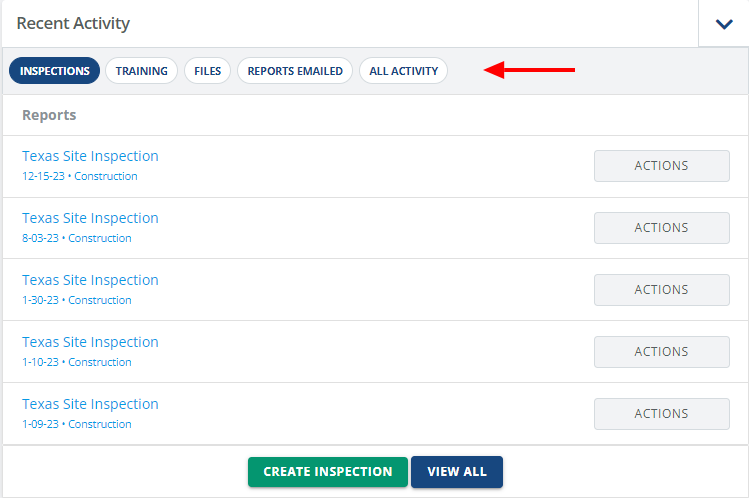
In the 'Recent Activity' section, you can view and create inspection reports. Access a variety of reports including but not limited to:
General Inspection
Sampling
Training
Other Custom Reports
Monitor additional project activities in this section, including:
Files
Reports Emailed
Enforcements
and All Activity
3. Weather.
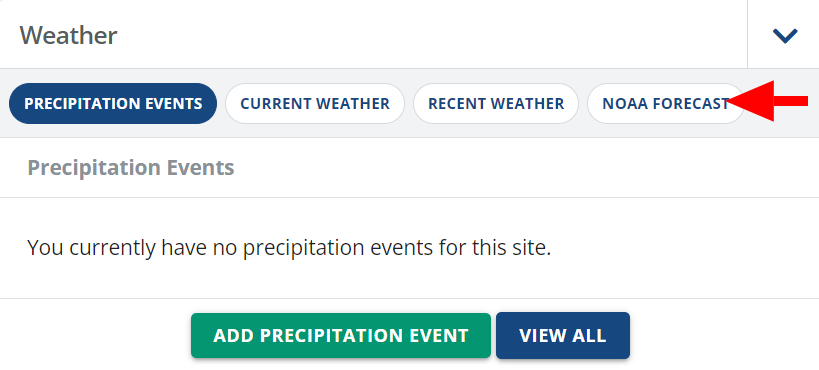
In the 'Weather' section, you can view reports on Precipitation Events, Current Weather, Recent Weather, and the NOAA Forecast.
4. Action Items
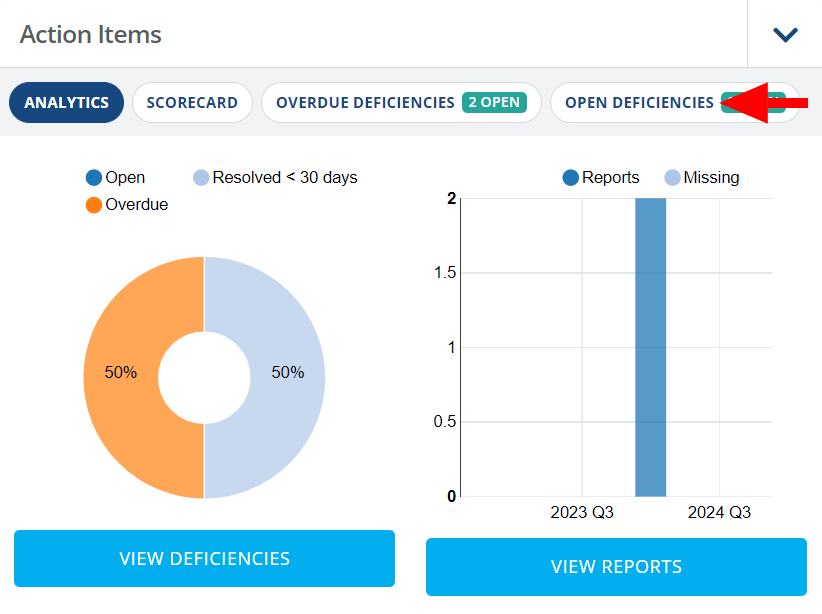
In the 'Action Items' section, you can review analytics and information regarding deficiencies in the current report. This section displays options for Analytics, Scorecard, Overdue Deficiencies, and Open Deficiencies.
5. Site Map.
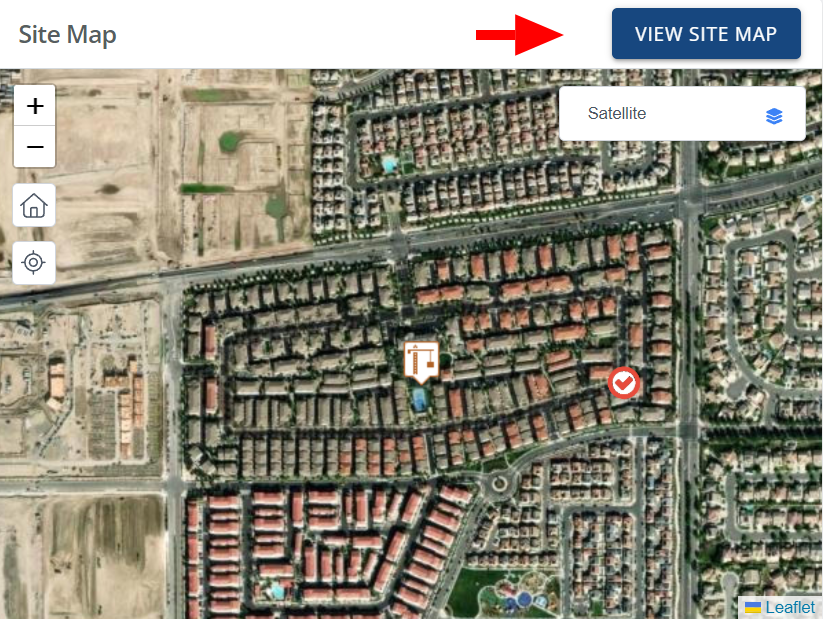
The 'Site Map' section displays the location of the site you are working on, based on the address you entered for the site.
Create a site plan, BMPs, regional BMPs, Deficiencies, image overlays with KMZ files, and more.